
Android Fundamentals Every Developer Should Know (2026 Edition)
Android development has evolved significantly over the years. We now have Jetpack Compose, Paging 3, modern architecture patterns, and Kotlin-first development.
However, every advanced Android concept is built on a strong understanding of fundamentals.
Whether you're just starting your Android journey or revisiting the basics to strengthen your foundation, this guide walks through the core building blocks of Android applications in a clear and practical way.
1. How Android Applications Actually Run
Before writing code, it's important to understand how Android apps behave at runtime.
- Each Android app runs in its own Linux process.
- Apps are sandboxed for security.
- The Android system manages app memory.
- The system can kill your app process at any time to reclaim resources.
This means you cannot assume your app will always stay alive. You must handle lifecycle events properly and save important state. Understanding this prevents many real-world bugs like state loss and unexpected crashes.
2. Core Android Application Components
Android apps are built using component-based architecture. There are four main components.
2.1 Activity
An Activity represents a single screen in your application — for example, a Login screen, Home screen, Profile screen, or Settings screen. When a user launches your app, Android starts an Activity.
class MainActivity : AppCompatActivity() {
    override fun onCreate(savedInstanceState: Bundle?) {
        super.onCreate(savedInstanceState)
        setContentView(R.layout.activity_main)
    }
}
onCreate() is the first lifecycle method called when the Activity is created.
Modern best practice: Keep Activities lightweight. Avoid putting business logic inside them. Use ViewModel for handling UI-related data.
Common mistake: Performing heavy work inside onCreate() on the main thread.
2.2 Fragment
A Fragment is a reusable UI component that lives inside an Activity. Fragments exist to create modular UI, support dynamic screen layouts, and build adaptive UI for tablets.
class HomeFragment : Fragment(R.layout.fragment_home)Fragments have their own lifecycle, which is slightly more complex than Activities. Modern apps often use the Navigation Component to manage fragments cleanly.
2.3 Service
A Service is used for background operations that do not require user interaction — for example, playing music, file uploads, or background sync. However, modern Android restricts background execution heavily. For deferrable background work, use WorkManager. Avoid long-running background services unless absolutely necessary.
2.4 BroadcastReceiver
BroadcastReceivers listen for system-wide events such as network connectivity changes, device boot completion, or custom application events.
class NetworkReceiver : BroadcastReceiver() {
    override fun onReceive(context: Context, intent: Intent) {
        // Handle network change
    }
}
Important: BroadcastReceivers should execute minimal logic and delegate heavy work elsewhere.
3. AndroidManifest.xml
The AndroidManifest.xml file defines your application configuration. It declares Activities, Services, permissions, and app metadata.
<activity android:name=".MainActivity" />If a component is not declared in the manifest, Android cannot launch it.
Common mistakes: Forgetting android:exported, adding unnecessary permissions, and using incorrect intent filters.
4. Intents and Component Communication
Android components communicate using Intents. There are two types — Explicit Intents that target a specific component, and Implicit Intents where the system resolves the best match.
Explicit Intent:
val intent = Intent(this, SecondActivity::class.java)
startActivity(intent)
Implicit Intent:
val intent = Intent(Intent.ACTION_VIEW)
intent.data = Uri.parse("https://example.com")
startActivity(intent)
Understanding intent resolution is important for deep linking, inter-app communication, and sharing content.
5. Activity Lifecycle (Critical Concept)
The Activity lifecycle defines how Android manages screens. The key methods are onCreate(), onStart(), onResume(), onPause(), onStop(), and onDestroy().
Typical flow:
- User opens app →
onCreate()→onStart()→onResume() - User switches app →
onPause()→onStop()
Common beginner mistake: Doing heavy operations in lifecycle methods without understanding when they are called.
Modern approach: Move state management into ViewModel so the UI survives configuration changes.
6. Threading and the Main Thread Rule
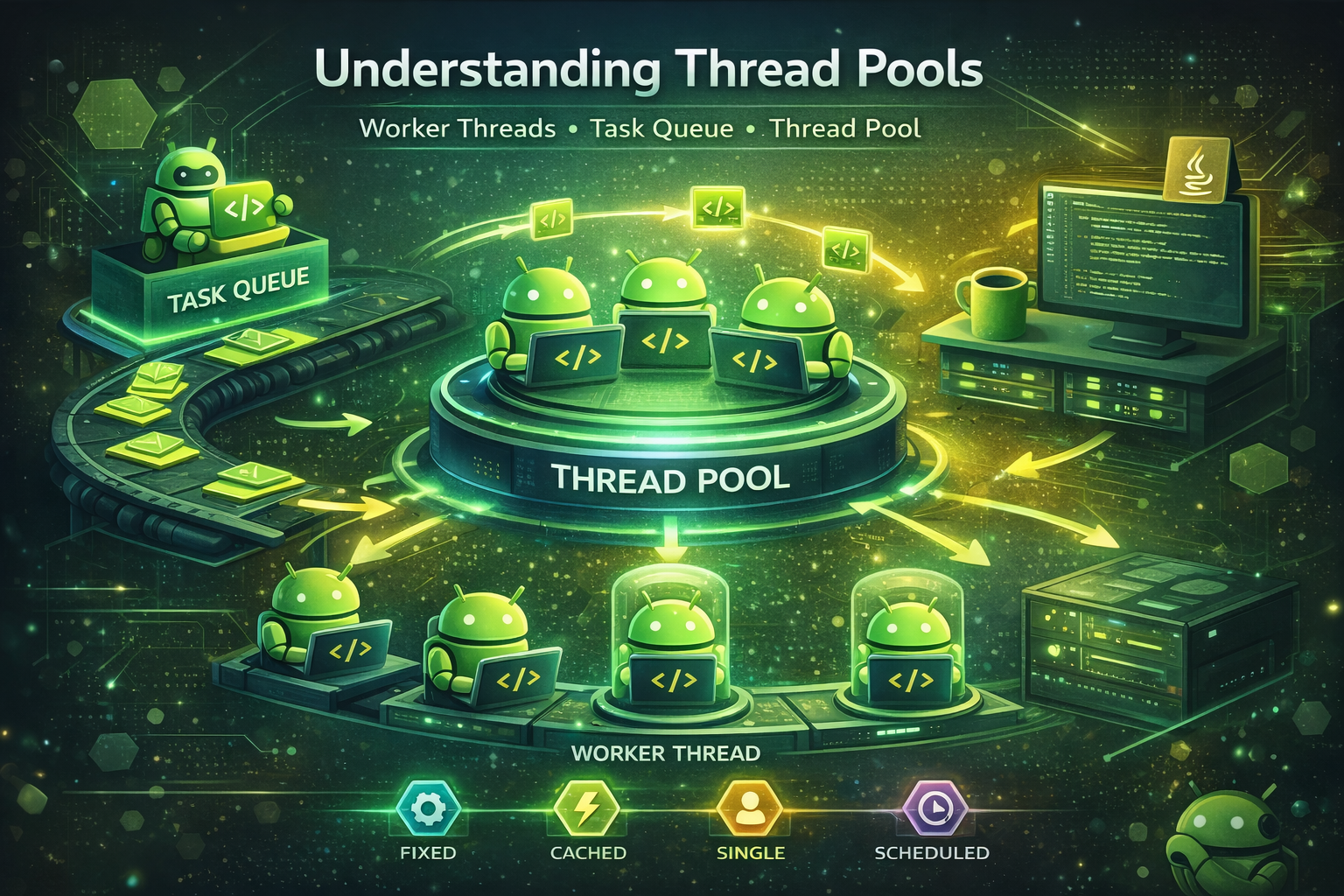
Android uses a single-threaded UI model. UI updates must run on the main thread, while network and database operations must run in the background. Blocking the main thread leads to ANR (Application Not Responding).
viewModelScope.launch(Dispatchers.IO) {
    val data = repository.getData()
}
Understanding threading prevents performance issues.
7. UI System: Views and Jetpack Compose
Traditionally, Android UI was built using XML layouts:
<TextView
    android:text="Hello World"
    android:layout_width="wrap_content"
    android:layout_height="wrap_content" />
Modern Android encourages Jetpack Compose:
@Composable
fun Greeting() {
    Text("Hello World")
}
Even if you use Compose, understanding the View system helps when working with legacy apps.
8. Data Storage Basics
Android provides multiple storage mechanisms:
- SharedPreferences — used for small key-value data like settings.
- DataStore — modern replacement for SharedPreferences.
- Room Database — used for structured local storage.
Choosing the correct storage depends on data complexity, performance needs, and scalability.
9. Permissions and Security
Android uses a permission-based security model. Some permissions require runtime approval — for example, Camera, Location, and Storage.
ActivityCompat.requestPermissions(
    this,
    arrayOf(Manifest.permission.CAMERA),
    REQUEST_CODE
)
Users can deny or revoke permissions at any time. Apps must handle denial gracefully.
10. Resource Management
Android uses resource files for strings, colors, dimensions, and styles. This matters because it supports localization and multiple screen sizes, and keeps UI separate from logic.
11. Gradle Build System
Gradle handles dependency management, build variants, product flavors, and code shrinking via R8. Understanding Gradle helps when building multi-environment apps, integrating CI/CD, and optimizing build time.
12. Basic Architecture Principles
Modern Android apps follow separation of concerns. A typical structure includes:
- UI layer — Activity, Fragment, or Compose
- ViewModel — UI state holder
- Repository — data source abstraction
Avoid mixing networking or database logic directly in UI components. Clean structure improves maintainability and testability.
Why Fundamentals Still Matter
With modern tools like Jetpack Compose, Paging 3, WorkManager, and advanced architecture patterns, it's easy to focus only on high-level abstractions. However, most real-world Android issues are not caused by advanced libraries — they are caused by weak fundamentals.
Common examples include memory leaks due to lifecycle misunderstandings, UI freezes caused by main thread blocking, state loss after configuration changes, background tasks failing due to incorrect system assumptions, and poor architecture because responsibilities are not separated.
When fundamentals are clear, debugging becomes easier, performance issues become predictable, architecture decisions become logical, and advanced topics feel natural instead of confusing.
Strong fundamentals don't make you a beginner. They make you stable. And stability is what differentiates a mid-level developer from a senior engineer.
Comments (0)