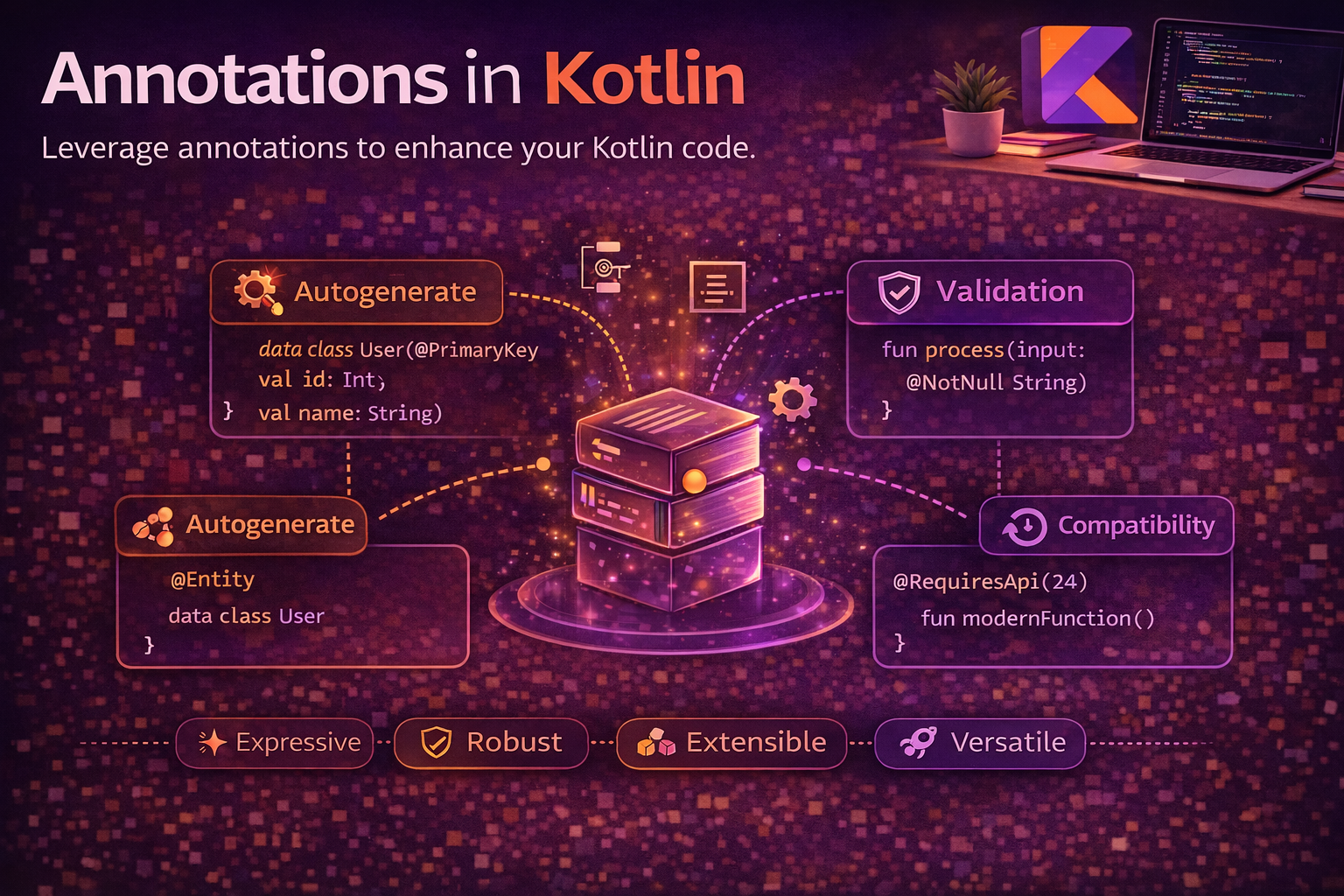
Annotations are metadata tags you attach to code — classes, functions, properties, parameters. They don’t change what your code does directly, but they tell tools, frameworks, and the compiler how to process it. Every Android developer uses annotations daily — @Composable, @Inject, @SerializedName, @Query, @GET — without always understanding how they work under the hood. This guide covers how to use existing annotations effectively, how to create your own, annotation targets and retention, and how annotations power the Android frameworks you rely on.
Annotation Basics
// Using annotations — you already do this every day
@Composable
fun Greeting(name: String) { /* ... */ }

@Inject
lateinit var repository: ArticleRepository

@SerializedName("user_name")
val name: String

@Deprecated("Use newFunction() instead", ReplaceWith("newFunction()"))
fun oldFunction() { /* ... */ }

// Annotations can have parameters
@Query("SELECT * FROM users WHERE age > :minAge")
fun getUsersOlderThan(minAge: Int): List<User>

// Annotations without parameters
@Volatile
var counter = 0
Where annotations can be placed
@Target(AnnotationTarget.CLASS)           // on classes
class MyClass

@Target(AnnotationTarget.FUNCTION)        // on functions
fun myFunction() { }

@Target(AnnotationTarget.PROPERTY)        // on properties
val myProperty = 42

@Target(AnnotationTarget.VALUE_PARAMETER) // on function parameters
fun greet(@NonNull name: String) { }

@Target(AnnotationTarget.EXPRESSION)      // on expressions
val x = @Suppress("UNCHECKED_CAST") (obj as List<String>)

@Target(AnnotationTarget.FILE)            // on entire files
@file:JvmName("StringUtils")

@Target(AnnotationTarget.TYPE)            // on types
val names: List<@NonNull String> = listOf()
Creating Custom Annotations
Simple annotation — no parameters
annotation class Cacheable

@Cacheable
fun getArticles(): List<Article> {
    return api.fetchArticles()
}
Annotation with parameters
annotation class CachePolicy(
    val maxAgeSeconds: Int = 300,
    val key: String = ""
)

@CachePolicy(maxAgeSeconds = 600, key = "articles")
fun getArticles(): List<Article> {
    return api.fetchArticles()
}

@CachePolicy   // uses defaults: maxAgeSeconds=300, key=""
fun getUsers(): List<User> {
    return api.fetchUsers()
}
Allowed parameter types
// Annotation parameters can ONLY be:
annotation class MyAnnotation(
    val name: String,                        // String
    val count: Int,                          // Primitive types (Int, Long, Float, etc.)
    val enabled: Boolean,                    // Boolean
    val level: LogLevel,                     // Enum
    val targetClass: KClass<*>,              // KClass reference
    val nested: AnotherAnnotation,           // Another annotation
    val names: Array<String>,               // Array of the above types
)

// ❌ NOT allowed: complex objects, lists, maps, nullable types
// annotation class Bad(val user: User)     // compile error
// annotation class Bad(val name: String?)  // compile error — no nulls
Retention — When Annotations Are Available
// SOURCE — exists only in source code, stripped during compilation
// Used by: lint checks, IDE inspections
@Retention(AnnotationRetention.SOURCE)
annotation class IntDef(vararg val value: Int)

// BINARY — stored in compiled .class file, but NOT visible via reflection
// Used by: bytecode processing tools
@Retention(AnnotationRetention.BINARY)
annotation class InternalApi

// RUNTIME — stored in .class file AND available via reflection at runtime
// Used by: Gson, Retrofit, custom frameworks, anything using reflection
@Retention(AnnotationRetention.RUNTIME)
annotation class JsonField(val name: String = "")

// Default in Kotlin is RUNTIME (unlike Java which defaults to CLASS/BINARY)
// Always be explicit about retention for clarity
Which retention to choose
// Use SOURCE when:
// - Annotation is only for compiler/IDE (lint, warnings, code generation at compile time)
// - Example: @Suppress, @IntDef, @StringDef

// Use BINARY when:
// - Annotation needs to survive compilation but not be read at runtime
// - Example: @InternalApi markers for bytecode analysis tools

// Use RUNTIME when:
// - Annotation is read at runtime via reflection
// - Example: @SerializedName, @JsonField, custom validation annotations
// - This is the most common choice for custom annotations
Targets — Where Annotations Can Be Applied
@Target(AnnotationTarget.CLASS)              // classes, interfaces, objects
@Target(AnnotationTarget.FUNCTION)           // functions (not constructors)
@Target(AnnotationTarget.PROPERTY)           // properties (val/var)
@Target(AnnotationTarget.FIELD)              // backing field
@Target(AnnotationTarget.VALUE_PARAMETER)    // function/constructor parameters
@Target(AnnotationTarget.CONSTRUCTOR)        // constructors
@Target(AnnotationTarget.LOCAL_VARIABLE)     // local variables
@Target(AnnotationTarget.ANNOTATION_CLASS)   // other annotations (meta-annotation)
@Target(AnnotationTarget.TYPE_PARAMETER)     // generic type parameters
@Target(AnnotationTarget.TYPE)               // type usage
@Target(AnnotationTarget.EXPRESSION)         // expressions
@Target(AnnotationTarget.FILE)               // file level

// Multiple targets
@Target(AnnotationTarget.CLASS, AnnotationTarget.FUNCTION)
annotation class Loggable   // can be used on classes AND functions

// No @Target means it can be applied ANYWHERE (not recommended)
annotation class Flexible   // works on class, function, property, etc.
Use-site targets — Kotlin-specific precision
In Kotlin, a single val in a constructor generates a parameter, a property, a field, and a getter. Use-site targets tell the compiler exactly where the annotation should go:
data class User(
    @field:SerializedName("user_name")   // on the JVM field
    @get:JsonProperty("user_name")       // on the getter
    @param:Named("name")                 // on the constructor parameter
    val name: String,

    @set:Inject                          // on the setter
    var repo: Repository
)

// Use-site targets:
// @field:   → backing field
// @get:     → getter
// @set:     → setter
// @param:   → constructor parameter
// @property:→ Kotlin property (not visible to Java)
// @delegate:→ delegate field
// @file:    → file-level (placed at top of file)
// @receiver:→ extension function receiver

// Why it matters — Gson reads FIELDS, Retrofit reads PARAMETERS
// Without use-site target, Kotlin picks a default based on @Target:
//   @Target(PROPERTY) → goes on property
//   @Target(FIELD) → goes on field
//   @Target(VALUE_PARAMETER) → goes on parameter
Repeatable Annotations
// Allow using the same annotation multiple times
@Repeatable
@Retention(AnnotationRetention.RUNTIME)
@Target(AnnotationTarget.FUNCTION)
annotation class Schedule(val cron: String)

@Schedule("0 0 * * MON")      // every Monday
@Schedule("0 12 * * WED")     // every Wednesday noon
fun generateReport() { /* ... */ }

// Without @Repeatable, you'd need a container annotation
// Kotlin handles the container automatically
Built-in Kotlin Annotations
// @Deprecated — mark code as deprecated with replacement suggestion
@Deprecated(
    message = "Use fetchArticles() instead",
    replaceWith = ReplaceWith("fetchArticles()"),
    level = DeprecationLevel.WARNING   // WARNING, ERROR, or HIDDEN
)
fun getArticles() { /* ... */ }

// @Suppress — suppress compiler warnings
@Suppress("UNCHECKED_CAST")
val list = obj as List<String>

@Suppress("unused")
private fun helperFunction() { }

// @JvmStatic — generate static method in JVM
companion object {
    @JvmStatic fun create(): MyClass = MyClass()
}

// @JvmOverloads — generate overloaded methods for default parameters
@JvmOverloads
fun connect(host: String, port: Int = 8080, ssl: Boolean = true) { }
// Java sees: connect(String), connect(String, int), connect(String, int, boolean)

// @JvmField — expose property as a public field (no getter/setter)
@JvmField val TAG = "MyClass"

// @JvmName — change the JVM name
@get:JvmName("isActive")
val active: Boolean = true

// @Throws — declare checked exceptions for Java interop
@Throws(IOException::class)
fun readFile(path: String): String { /* ... */ }

// @Volatile — JVM volatile field
@Volatile var running = true

// @Synchronized — JVM synchronized method
@Synchronized fun increment() { counter++ }
Reading Annotations at Runtime
@Retention(AnnotationRetention.RUNTIME)
@Target(AnnotationTarget.PROPERTY)
annotation class Validate(
    val minLength: Int = 0,
    val maxLength: Int = Int.MAX_VALUE,
    val required: Boolean = false
)

data class RegistrationForm(
    @Validate(minLength = 2, maxLength = 50, required = true)
    val name: String,

    @Validate(minLength = 5, maxLength = 100, required = true)
    val email: String,

    @Validate(minLength = 8, required = true)
    val password: String,

    @Validate(required = false)
    val nickname: String = ""
)

// Validation function using reflection
fun validate(obj: Any): List<String> {
    val errors = mutableListOf<String>()
    val kClass = obj::class

    kClass.memberProperties.forEach { prop ->
        val annotation = prop.findAnnotation<Validate>() ?: return@forEach
        prop.isAccessible = true
        val value = prop.getter.call(obj)?.toString() ?: ""

        if (annotation.required && value.isBlank()) {
            errors.add("${prop.name} is required")
        }
        if (value.length < annotation.minLength) {
            errors.add("${prop.name} must be at least ${annotation.minLength} characters")
        }
        if (value.length > annotation.maxLength) {
            errors.add("${prop.name} must be at most ${annotation.maxLength} characters")
        }
    }
    return errors
}

// Usage
val form = RegistrationForm(name = "A", email = "bad", password = "123", nickname = "")
val errors = validate(form)
// ["name must be at least 2 characters",
//  "email must be at least 5 characters",
//  "password must be at least 8 characters"]
How Android Frameworks Use Annotations
Room — compile-time code generation
// Room reads annotations at COMPILE TIME (annotation processing)
// and GENERATES DAO implementation code

@Entity(tableName = "articles")
data class Article(
    @PrimaryKey val id: String,
    @ColumnInfo(name = "title") val title: String,
    @ColumnInfo(name = "created_at") val createdAt: Long
)

@Dao
interface ArticleDao {
    @Query("SELECT * FROM articles WHERE id = :id")
    suspend fun getById(id: String): Article?

    @Insert(onConflict = OnConflictStrategy.REPLACE)
    suspend fun insert(article: Article)
}

// Room uses KSP (Kotlin Symbol Processing) to read these annotations
// and generate ArticleDao_Impl.java with actual SQL code
Retrofit — runtime annotation reading
// Retrofit reads annotations at RUNTIME via reflection
// to build HTTP requests

interface ArticleApi {
    @GET("articles")
    suspend fun getArticles(
        @Query("page") page: Int,
        @Query("limit") limit: Int = 20
    ): List<Article>

    @POST("articles")
    suspend fun createArticle(
        @Body article: Article,
        @Header("Authorization") token: String
    ): Article

    @GET("articles/{id}")
    suspend fun getArticle(@Path("id") id: String): Article
}

// Retrofit reads @GET, @POST, @Query, @Body, @Path at runtime
// and dynamically creates the HTTP client implementation
Hilt/Dagger — compile-time dependency injection
// Hilt reads annotations at compile time to generate DI code

@HiltAndroidApp
class MyApplication : Application()

@AndroidEntryPoint
class ArticleFragment : Fragment() {
    @Inject lateinit var repository: ArticleRepository
}

@Module
@InstallIn(SingletonComponent::class)
object NetworkModule {
    @Provides
    @Singleton
    fun provideRetrofit(): Retrofit {
        return Retrofit.Builder()
            .baseUrl("https://api.example.com")
            .build()
    }
}
Annotation Processing — KSP vs KAPT
// KAPT (Kotlin Annotation Processing Tool) — legacy
// - Converts Kotlin to Java stubs, then runs Java annotation processors
// - Slow because of the Kotlin → Java stub generation step
// - Used by: older versions of Room, Dagger, Moshi
plugins {
    kotlin("kapt")
}
dependencies {
    kapt("com.google.dagger:hilt-compiler:2.48")
}

// KSP (Kotlin Symbol Processing) — modern, recommended
// - Processes Kotlin code directly, no Java stub generation
// - 2x faster than KAPT
// - Used by: Room 2.5+, Moshi-KSP, newer libraries
plugins {
    id("com.google.devtools.ksp")
}
dependencies {
    ksp("androidx.room:room-compiler:2.6.1")
}

// Migration: switch from kapt to ksp where possible
// Check if your libraries support KSP — most major ones do now
Real Android Patterns
Custom annotation for feature flags
@Retention(AnnotationRetention.RUNTIME)
@Target(AnnotationTarget.FUNCTION)
annotation class FeatureFlag(val name: String)

class FeatureManager(private val enabledFeatures: Set<String>) {

    fun <T> executeIfEnabled(instance: Any, functionName: String, vararg args: Any?): T? {
        val kClass = instance::class
        val function = kClass.memberFunctions.firstOrNull { it.name == functionName }
            ?: return null

        val flag = function.findAnnotation<FeatureFlag>() ?: return null

        return if (flag.name in enabledFeatures) {
            @Suppress("UNCHECKED_CAST")
            function.call(instance, *args) as? T
        } else {
            null
        }
    }
}

class ArticleService {
    @FeatureFlag("ai_summaries")
    fun generateSummary(article: Article): String {
        return aiService.summarize(article)
    }

    @FeatureFlag("recommendations")
    fun getRecommendations(userId: String): List<Article> {
        return recommendationEngine.forUser(userId)
    }
}
Custom annotation for analytics tracking
@Retention(AnnotationRetention.RUNTIME)
@Target(AnnotationTarget.FUNCTION)
annotation class TrackEvent(
    val name: String,
    val category: String = "general"
)

// Base ViewModel with automatic tracking
abstract class TrackedViewModel(private val analytics: Analytics) : ViewModel() {

    protected fun trackIfAnnotated(functionName: String) {
        val function = this::class.memberFunctions
            .firstOrNull { it.name == functionName }

        function?.findAnnotation<TrackEvent>()?.let { event ->
            analytics.logEvent(event.name, mapOf("category" to event.category))
        }
    }
}

class ArticleViewModel(analytics: Analytics) : TrackedViewModel(analytics) {

    @TrackEvent("article_bookmarked", category = "engagement")
    fun bookmarkArticle(id: String) {
        trackIfAnnotated("bookmarkArticle")
        // ... bookmark logic
    }

    @TrackEvent("article_shared", category = "social")
    fun shareArticle(id: String) {
        trackIfAnnotated("shareArticle")
        // ... share logic
    }
}
Common Mistakes to Avoid
Mistake 1: Wrong retention for the use case
// ❌ SOURCE retention — invisible to reflection at runtime
@Retention(AnnotationRetention.SOURCE)
annotation class JsonField(val name: String)

// At runtime:
prop.findAnnotation<JsonField>()   // null! annotation was stripped

// ✅ Use RUNTIME if you need reflection access
@Retention(AnnotationRetention.RUNTIME)
annotation class JsonField(val name: String)
Mistake 2: Missing use-site target for Kotlin properties
// ❌ Annotation might go on the wrong target
data class User(
    @SerializedName("user_name") val name: String
    // SerializedName targets FIELD, but Kotlin might put it on the parameter
)

// ✅ Be explicit with use-site target
data class User(
    @field:SerializedName("user_name") val name: String
    // Guaranteed to be on the JVM field where Gson reads it
)
Mistake 3: Using KAPT when KSP is available
// ❌ KAPT is slower and generates Java stubs
kapt("androidx.room:room-compiler:2.6.1")

// ✅ Use KSP for libraries that support it
ksp("androidx.room:room-compiler:2.6.1")

// Check each library's docs for KSP support
// Room, Moshi, Hilt (2.48+) all support KSP
Mistake 4: Not adding ProGuard rules for runtime annotations
// ❌ R8 strips annotations and renames classes
@JsonField("user_name") val name: String
// After R8: annotation might be gone, field renamed to "a"

// ✅ Add keep rules
// -keepattributes *Annotation*
// -keep class com.example.annotations.** { *; }
// -keep @com.example.annotations.JsonField class * { *; }
Summary
- Annotations are metadata tags that tell tools, frameworks, and the compiler how to process your code
- Create custom annotations with
annotation class— parameters must be primitives, strings, enums, KClass, or arrays of these - Retention controls when the annotation is available:
SOURCE(compile only),BINARY(in .class),RUNTIME(reflection) - Target controls where the annotation can be applied: CLASS, FUNCTION, PROPERTY, FIELD, VALUE_PARAMETER, etc.
- Use-site targets (
@field:,@get:,@param:) are critical in Kotlin because onevalgenerates a field, getter, and parameter @Repeatableallows the same annotation to be used multiple times on the same element- Built-in annotations like
@JvmStatic,@JvmOverloads,@Throwshelp with Java interop - Read annotations at runtime with
findAnnotation<T>()— requiresRUNTIMEretention - Room, Hilt, Moshi use compile-time annotation processing (KSP/KAPT) to generate code
- Retrofit, Gson read annotations at runtime via reflection
- Prefer KSP over KAPT — it’s 2x faster and processes Kotlin directly
- Always add ProGuard/R8 keep rules for classes and annotations accessed via reflection
Annotations are the invisible glue holding most Android apps together. Room, Retrofit, Hilt, Compose — they all rely on annotations to bridge the gap between your declarative code and the framework’s generated implementation. Understanding retention, targets, and use-site specificity doesn’t just help you write custom annotations — it helps you debug the frameworks you already depend on every day.
Happy coding!
Comments (0)