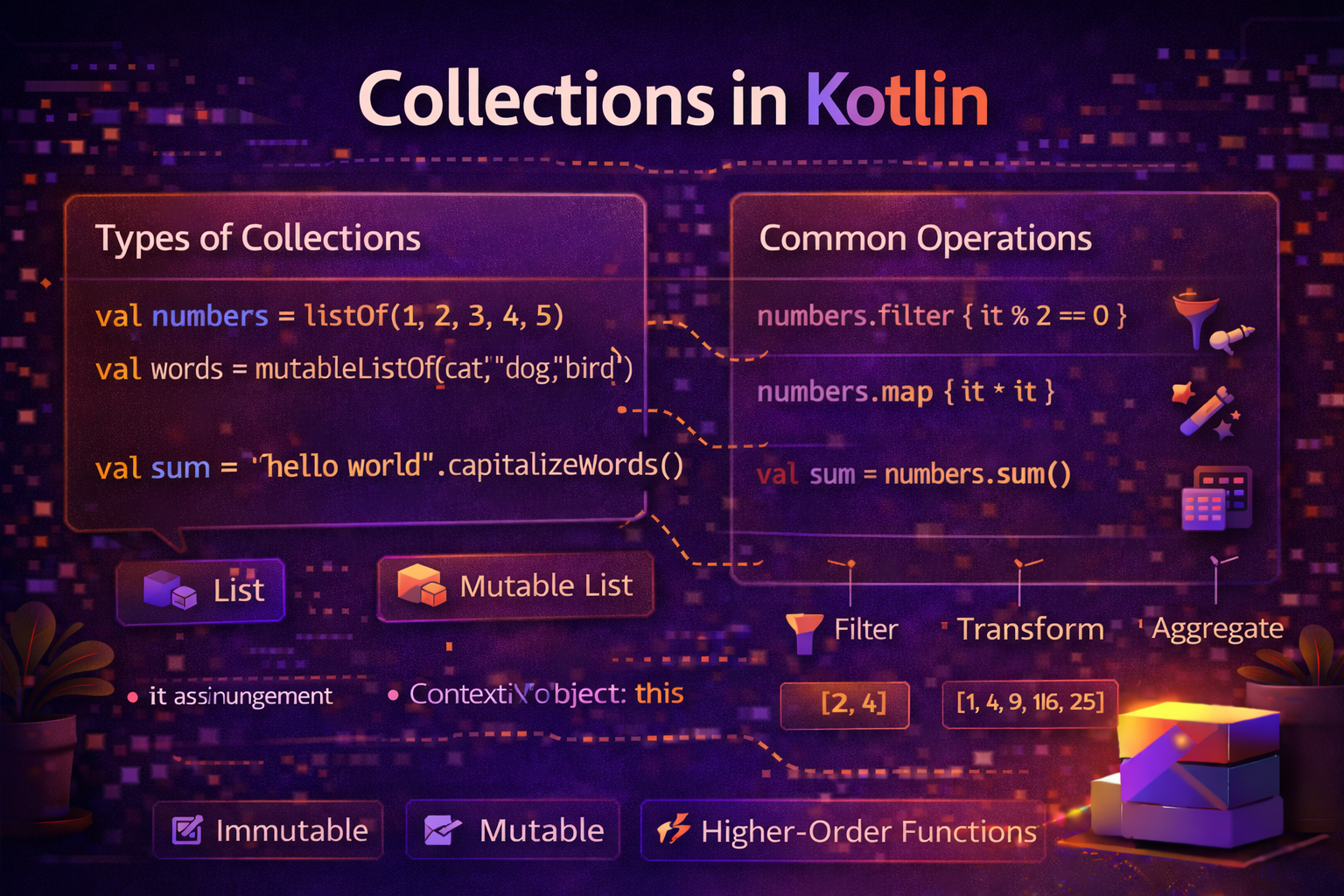
Collections are the backbone of almost every Android app. You display lists of articles, track sets of selected tags, store user preferences in maps. Kotlin's collection system is clean, expressive, and powerful. This guide covers everything you need — List, Set, and Map — with the difference between mutable and immutable, and practical Android examples throughout.
What Is a Collection?
A collection is a group of related objects stored together. Instead of having 10 separate variables for 10 articles, you have one List<Article> that holds all of them.
Kotlin has three main collection types:
| Type | Order | Duplicates | Key-Value |
|---|---|---|---|
List |
Ordered (index-based) | ✅ Allowed | ❌ |
Set |
Unordered | ❌ No duplicates | ❌ |
Map |
Unordered | Keys unique, values can repeat | ✅ |
Immutable vs Mutable — The Most Important Distinction
Every collection in Kotlin comes in two flavors:
- Read-only (immutable) — you can read but not modify. Created with
listOf,setOf,mapOf. - Mutable — you can add, remove, and modify. Created with
mutableListOf,mutableSetOf,mutableMapOf.// Read-only — cannot add or remove val names = listOf("Alice", "Bob", "Charlie") names.add("Dave") // ❌ compile error — no add() on List // Mutable — can add, remove, modify val names = mutableListOf("Alice", "Bob", "Charlie") names.add("Dave") // ✅ works names.remove("Bob") // ✅ works
Best practice: Default to read-only collections. Only use mutable when you actually need to modify the collection. This prevents accidental modification and makes your code more predictable.
List — Ordered Collection with Duplicates
A List maintains insertion order and allows duplicate values. It's the most commonly used collection in Android.
Creating a List
// Read-only
val fruits = listOf("Apple", "Banana", "Cherry")
val numbers = listOf(1, 2, 3, 4, 5)
val mixed = listOf(1, "hello", true)  // List<Any>
val empty = emptyList<String>()

// Mutable
val tasks = mutableListOf("Buy groceries", "Call dentist")
tasks.add("Exercise")
tasks.remove("Call dentist")
tasks[0] = "Buy vegetables"   // update by index
Accessing Elements
val fruits = listOf("Apple", "Banana", "Cherry", "Date")

println(fruits[0])          // Apple — by index
println(fruits.first())     // Apple
println(fruits.last())      // Date
println(fruits.size)        // 4
println(fruits.isEmpty())   // false
println(fruits.isNotEmpty()) // true

// Safe access — returns null instead of crashing
println(fruits.getOrNull(10))   // null — no crash
println(fruits.getOrElse(10) { "Unknown" })  // Unknown

// Sublist
println(fruits.subList(1, 3))   // [Banana, Cherry]
println(fruits.take(2))         // [Apple, Banana] — first 2
println(fruits.drop(2))         // [Cherry, Date] — skip first 2
println(fruits.takeLast(2))     // [Cherry, Date] — last 2
Searching
val fruits = listOf("Apple", "Banana", "Cherry", "Banana")

println(fruits.contains("Apple"))      // true
println("Apple" in fruits)             // true — same thing
println(fruits.indexOf("Banana"))      // 1 — first occurrence
println(fruits.lastIndexOf("Banana"))  // 3 — last occurrence
println(fruits.count { it.length > 5 }) // 2 — Banana, Cherry
Common List Operations
val numbers = listOf(3, 1, 4, 1, 5, 9, 2, 6)

println(numbers.sorted())              // [1, 1, 2, 3, 4, 5, 6, 9]
println(numbers.sortedDescending())    // [9, 6, 5, 4, 3, 2, 1, 1]
println(numbers.reversed())            // [6, 2, 9, 5, 1, 4, 1, 3]
println(numbers.distinct())            // [3, 1, 4, 5, 9, 2, 6] — removes duplicates
println(numbers.sum())                 // 31
println(numbers.average())             // 3.875
println(numbers.min())                 // 1
println(numbers.max())                 // 9
println(numbers.count())               // 8
Set — Unique Elements, No Duplicates
A Set automatically removes duplicates. The order is not guaranteed (unless you use LinkedHashSet).
Creating a Set
// Read-only
val tags = setOf("Kotlin", "Android", "Compose", "Kotlin")  // "Kotlin" added twice
println(tags)   // [Kotlin, Android, Compose] — duplicate removed

// Mutable
val selectedCategories = mutableSetOf("Android", "Kotlin")
selectedCategories.add("Compose")     // added
selectedCategories.add("Kotlin")      // ignored — already exists
selectedCategories.remove("Android")
println(selectedCategories)   // [Kotlin, Compose]
Set Operations
val set1 = setOf(1, 2, 3, 4, 5)
val set2 = setOf(4, 5, 6, 7, 8)

// Union — all elements from both
println(set1 union set2)          // [1, 2, 3, 4, 5, 6, 7, 8]

// Intersect — only elements in both
println(set1 intersect set2)      // [4, 5]

// Subtract — elements in first but not second
println(set1 subtract set2)       // [1, 2, 3]

// Contains check — O(1) — much faster than List for membership check
println(set1.contains(3))         // true
println(3 in set1)                // true
When to Use Set
// Track which articles the user has read — no duplicates, fast lookup
val readArticleIds = mutableSetOf<String>()

fun markAsRead(articleId: String) {
    readArticleIds.add(articleId)   // duplicate automatically ignored
}

fun hasRead(articleId: String): Boolean {
    return articleId in readArticleIds   // O(1) lookup
}

// Remove duplicates from a list
val rawTags = listOf("Kotlin", "Android", "Kotlin", "Compose", "Android")
val uniqueTags = rawTags.toSet().toList()
// [Kotlin, Android, Compose]
Map — Key-Value Pairs
A Map stores key-value pairs. Each key is unique — looking up a value by key is very fast.
Creating a Map
// Read-only
val scores = mapOf("Alice" to 95, "Bob" to 87, "Charlie" to 92)
val config = mapOf(
    "base_url" to "https://api.example.com",
    "timeout" to 30,
    "retry_count" to 3
)
val empty = emptyMap<String, Int>()

// Mutable
val userPrefs = mutableMapOf<String, String>()
userPrefs["theme"] = "dark"
userPrefs["language"] = "en"
userPrefs.put("fontSize", "medium")
userPrefs.remove("language")
Accessing Values
val scores = mapOf("Alice" to 95, "Bob" to 87, "Charlie" to 92)

// Direct access — throws if key doesn't exist
println(scores["Alice"])    // 95
println(scores["Dave"])     // null — key doesn't exist

// Safe access with default
println(scores.getOrDefault("Dave", 0))   // 0
println(scores.getOrElse("Dave") { 0 })   // 0

// Check key/value existence
println(scores.containsKey("Alice"))    // true
println(scores.containsValue(95))       // true
println("Alice" in scores)              // true — checks keys

// Map properties
println(scores.size)       // 3
println(scores.keys)       // [Alice, Bob, Charlie]
println(scores.values)     // [95, 87, 92]
println(scores.entries)    // [Alice=95, Bob=87, Charlie=92]
Iterating a Map
val scores = mapOf("Alice" to 95, "Bob" to 87, "Charlie" to 92)

// Iterate entries
for ((name, score) in scores) {
    println("$name: $score")
}

// Iterate keys
for (name in scores.keys) {
    println(name)
}

// forEach
scores.forEach { (name, score) ->
    println("$name scored $score")
}
Common Map Operations
val scores = mapOf("Alice" to 95, "Bob" to 87, "Charlie" to 92, "Dave" to 78)

// Filter by key
val highScorers = scores.filter { (_, score) -> score >= 90 }
// {Alice=95, Charlie=92}

// Transform values
val grades = scores.mapValues { (_, score) ->
    when {
        score >= 90 -> "A"
        score >= 80 -> "B"
        else -> "C"
    }
}
// {Alice=A, Bob=B, Charlie=A, Dave=C}

// Transform keys
val lowerCaseScores = scores.mapKeys { (name, _) -> name.lowercase() }
// {alice=95, bob=87, charlie=92, dave=78}

// Convert to sorted map
val sorted = scores.toSortedMap()
Converting Between Collection Types
val list = listOf(1, 2, 3, 2, 1)
val set = list.toSet()         // [1, 2, 3] — removes duplicates
val mutableList = list.toMutableList()
val mutableSet = list.toMutableSet()

// List to Map
val articles = listOf(Article(id = "1", title = "Kotlin"), Article(id = "2", title = "Android"))
val articleMap = articles.associateBy { it.id }
// {"1" -> Article(...), "2" -> Article(...)}

// Fast lookup by ID
val article = articleMap["1"]

// List to Map with value transformation
val titleMap = articles.associateBy(
    keySelector = { it.id },
    valueTransform = { it.title }
)
// {"1" -> "Kotlin", "2" -> "Android"}
Real-World Android Examples
Article feed with filtering and sorting
class ArticleViewModel(private val repository: ArticleRepository) : ViewModel() {

    private val _allArticles = MutableStateFlow<List<Article>>(emptyList())
    private val _selectedCategory = MutableStateFlow("All")
    private val _searchQuery = MutableStateFlow("")

    val filteredArticles: StateFlow<List<Article>> = combine(
        _allArticles,
        _selectedCategory,
        _searchQuery
    ) { articles, category, query ->
        articles
            .filter { category == "All" || it.category == category }
            .filter { query.isEmpty() || it.title.contains(query, ignoreCase = true) }
            .sortedByDescending { it.publishedAt }
    }.stateIn(viewModelScope, SharingStarted.Lazily, emptyList())

    fun loadArticles() {
        viewModelScope.launch {
            _allArticles.value = repository.getArticles()
        }
    }
}
Managing selected tags with a Set
class TagSelectionViewModel : ViewModel() {

    private val _selectedTags = MutableStateFlow<Set<String>>(emptySet())
    val selectedTags: StateFlow<Set<String>> = _selectedTags

    fun toggleTag(tag: String) {
        _selectedTags.value = if (tag in _selectedTags.value) {
            _selectedTags.value - tag    // remove if selected
        } else {
            _selectedTags.value + tag    // add if not selected
        }
    }

    fun clearTags() {
        _selectedTags.value = emptySet()
    }

    fun isSelected(tag: String): Boolean = tag in _selectedTags.value
}
Cache with a Map
class ArticleCache {
    private val cache = mutableMapOf<String, Article>()
    private val timestamps = mutableMapOf<String, Long>()
    private val cacheExpiryMs = 5 * 60 * 1000L  // 5 minutes

    fun get(id: String): Article? {
        val timestamp = timestamps[id] ?: return null
        if (System.currentTimeMillis() - timestamp > cacheExpiryMs) {
            cache.remove(id)
            timestamps.remove(id)
            return null
        }
        return cache[id]
    }

    fun put(id: String, article: Article) {
        cache[id] = article
        timestamps[id] = System.currentTimeMillis()
    }

    fun clear() {
        cache.clear()
        timestamps.clear()
    }

    val size: Int get() = cache.size
}
User preferences Map
object PreferencesHelper {
    private val defaults = mapOf(
        "theme" to "system",
        "language" to "en",
        "font_size" to "medium",
        "notifications_enabled" to "true",
        "articles_per_page" to "20"
    )

    fun getPreference(key: String, prefs: SharedPreferences): String {
        return prefs.getString(key, defaults[key] ?: "") ?: ""
    }

    fun getAllDefaults(): Map<String, String> = defaults
}
Common Mistakes to Avoid
Mistake 1: Modifying a read-only list
val items = listOf(1, 2, 3)
items.add(4)   // ❌ compile error — listOf returns read-only List

val items = mutableListOf(1, 2, 3)
items.add(4)   // ✅ works
Mistake 2: Using List when Set is more appropriate
// ❌ List — O(n) lookup, allows duplicates
val readIds = mutableListOf<String>()
if (!readIds.contains(articleId)) readIds.add(articleId)

// ✅ Set — O(1) lookup, no duplicates automatically
val readIds = mutableSetOf<String>()
readIds.add(articleId)   // duplicate ignored automatically
Mistake 3: Accessing Map with [] when key might not exist
val map = mapOf("a" to 1)

// ❌ Can return null — might cause NPE if not handled
val value: Int = map["b"]!!   // crashes if key missing

// ✅ Safe access
val value = map["b"] ?: 0
val value = map.getOrDefault("b", 0)
Mistake 4: Exposing mutable collections from ViewModel
// ❌ Mutable collection exposed — anyone can modify it
class ViewModel {
    val articles = mutableListOf<Article>()
}

// ✅ Expose read-only, keep mutable private
class ViewModel {
    private val _articles = mutableListOf<Article>()
    val articles: List<Article> get() = _articles
}
Quick Reference
| Operation | List | Set | Map |
|---|---|---|---|
| Create | listOf() |
setOf() |
mapOf() |
| Create mutable | mutableListOf() |
mutableSetOf() |
mutableMapOf() |
| Add | add(item) |
add(item) |
put(key, value) or map[key] = value |
| Remove | remove(item) |
remove(item) |
remove(key) |
| Access | list[index] |
— | map[key] |
| Size | size |
size |
size |
| Contains | contains(item) |
contains(item) |
containsKey(key) |
| Iterate | for (x in list) |
for (x in set) |
for ((k, v) in map) |
| Empty check | isEmpty() |
isEmpty() |
isEmpty() |
Summary
- List — ordered, allows duplicates, index-based access. Most common collection.
- Set — unordered, no duplicates, fast membership check. Use for unique items and fast lookup.
- Map — key-value pairs, unique keys, fast value lookup by key.
- Every collection has a read-only and mutable version — prefer read-only by default.
- Use
listOf,setOf,mapOffor read-only;mutableListOf,mutableSetOf,mutableMapOffor mutable. - Use
associateByto convert a List to a Map for fast lookup by ID. - Expose read-only collections from ViewModels and repositories — keep mutable collections private.
Collections are something you use in every single Android app. Getting comfortable with List, Set, and Map — and knowing which one to reach for — is a core Android development skill.
Happy coding!
Comments (0)