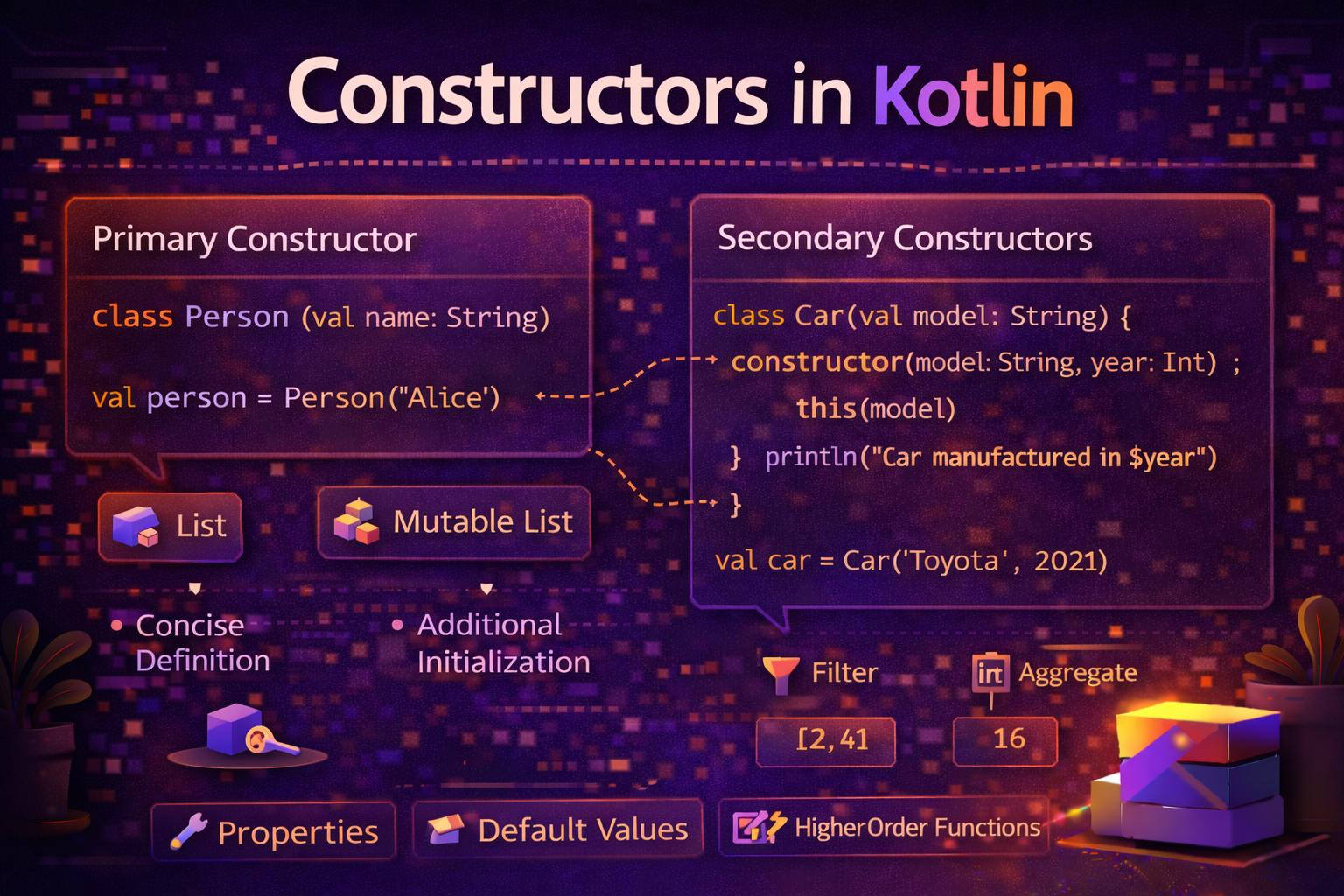
Constructors are how objects come to life. Every time you write User("Alice", 25) or Intent(context, MainActivity::class.java), you're calling a constructor. Kotlin's constructor system is more expressive and concise than Java's — but it has some nuances worth understanding deeply. This guide covers everything from primary constructors to init blocks, secondary constructors, and constructor chaining.
What Is a Constructor?
A constructor is a special function that runs when an object is created. Its job is to initialize the object's properties and put it in a valid state.
class User(val name: String, val age: Int)

val user = User("Alice", 25)
// Constructor runs → name = "Alice", age = 25
// Object is now ready to use
Kotlin has two types of constructors:
- Primary constructor — defined in the class header
- Secondary constructor — defined inside the class body with the
constructorkeyword
Primary Constructor — Defined in the Class Header
The primary constructor is the most concise way to define a class and its properties simultaneously.
class User(val name: String, val age: Int, val email: String)This single line:
- Declares the class
User - Defines the primary constructor with three parameters
- Creates three properties:
name,age,email
val user = User("Alice", 25, "alice@email.com")
println(user.name)    // Alice
println(user.age)     // 25
println(user.email)   // alice@email.com
val vs var in Primary Constructor
class Person(
    val name: String,      // val = immutable property
    var age: Int,          // var = mutable property
    val id: String = ""    // with default value
)

val person = Person("Alice", 25)
person.age = 26        // ✅ allowed — age is var
person.name = "Bob"    // ❌ error — name is val
Constructor Parameters Without val/var
Parameters without val or var are constructor parameters only — they are NOT properties. They exist only during the constructor call.
class User(val name: String, password: String) {
    // 'password' is a parameter, not a property
    val hashedPassword: String = hashPassword(password)
    // password is used here in init/property initialization, then gone
}

val user = User("Alice", "secret123")
println(user.name)           // ✅ Alice — it's a property
println(user.password)       // ❌ error — not a property
println(user.hashedPassword) // ✅ works — this is a property
This is useful for values you need during construction but don't want to store.
Default Parameter Values
class Article(
    val title: String,
    val content: String,
    val category: String = "General",
    val isPublished: Boolean = false,
    val viewCount: Int = 0
)

// All arguments
val a1 = Article("Kotlin Guide", "Content here", "Kotlin", true, 100)

// Only required — defaults used for rest
val a2 = Article("Quick Post", "Short content")

// Named arguments — skip some defaults
val a3 = Article(
    title = "Android Tips",
    content = "Tip content",
    isPublished = true
)
Visibility of Primary Constructor
By default, the primary constructor is public. You can change its visibility:
// Private constructor — only the class itself can create instances
class Singleton private constructor() {
    companion object {
        val instance: Singleton by lazy { Singleton() }
    }
}

// Internal constructor — only visible within the module
class InternalClass internal constructor(val data: String)
init Block — Running Code During Construction
The primary constructor can't contain code directly. Use init blocks to run initialization logic when the object is created.
class User(val name: String, val age: Int) {
    val displayName: String

    init {
        // Runs right after primary constructor parameters are set
        displayName = name.trim().replaceFirstChar { it.uppercase() }
        println("User created: $displayName")
    }
}

val user = User("  alice  ", 25)
// Prints: User created: Alice
println(user.displayName)  // Alice
Multiple init Blocks
You can have multiple init blocks — they run in the order they appear, interleaved with property initializers.
class Demo(val x: Int) {
    val doubled = x * 2           // property initializer runs first

    init {
        println("First init: x=$x, doubled=$doubled")
    }

    val tripled = x * 3           // second property initializer

    init {
        println("Second init: tripled=$tripled")
    }
}

val d = Demo(5)
// First init: x=5, doubled=10
// Second init: tripled=15
Validation in init
init is the perfect place to validate constructor arguments:
class User(val name: String, val age: Int, val email: String) {

    init {
        require(name.isNotBlank()) { "Name cannot be blank" }
        require(age >= 0) { "Age cannot be negative: $age" }
        require(age <= 150) { "Age is unrealistic: $age" }
        require(email.contains("@")) { "Invalid email: $email" }
    }
}

val valid = User("Alice", 25, "alice@email.com")   // ✅ works

val invalid = User("", 25, "alice@email.com")
// ❌ throws IllegalArgumentException: Name cannot be blank
require() throws IllegalArgumentException with the given message if the condition is false.
Exact Order of Initialization
This is a subtle but important point. When an object is created, Kotlin initializes things in this exact order:
- Primary constructor parameters are set
- Property initializers and
initblocks run in the order they appear in the class body
class OrderDemo(val value: Int) {
    val step1 = "Property 1: $value".also { println(it) }

    init {
        println("Init block 1: value=$value")
    }

    val step2 = "Property 2: ${value * 2}".also { println(it) }

    init {
        println("Init block 2: step1=$step1")
    }
}

val obj = OrderDemo(10)
// Property 1: 10
// Init block 1: value=10
// Property 2: 20
// Init block 2: step1=Property 1: 10
Secondary Constructors
Secondary constructors are defined inside the class body with the constructor keyword. Every secondary constructor must delegate to the primary constructor using this(...).
class User(val name: String, val age: Int, val email: String) {

    // Secondary constructor — must call primary with 'this'
    constructor(name: String) : this(name, 0, "")

    constructor(name: String, age: Int) : this(name, age, "")
}

val u1 = User("Alice", 25, "alice@email.com")   // primary
val u2 = User("Bob")                             // secondary → name="Bob", age=0, email=""
val u3 = User("Charlie", 30)                     // secondary → email=""
Secondary Constructor with Logic
Secondary constructors can contain their own logic after calling the primary:
class Article(val title: String, val content: String, val category: String) {

    var wordCount: Int = 0

    constructor(title: String, content: String) : this(title, content, "General") {
        // This runs AFTER the primary constructor and init blocks
        wordCount = content.split(" ").size
        println("Article created with $wordCount words")
    }
}

val article = Article("Kotlin Guide", "Learn Kotlin with examples")
// Article created with 4 words
println(article.wordCount)   // 4
println(article.category)    // General
Order When Secondary Constructor Is Used
- Primary constructor parameters set
- Property initializers and
initblocks run (top to bottom) - Secondary constructor body runs
class Demo(val x: Int) {
    init {
        println("init block: x=$x")
    }

    constructor(x: Int, y: Int) : this(x) {
        println("secondary constructor: y=$y")
    }
}

val d = Demo(5, 10)
// init block: x=5           ← init runs first
// secondary constructor: y=10  ← then secondary body
Default Parameters vs Secondary Constructors
In most cases, default parameters in the primary constructor are cleaner than secondary constructors.
// ❌ Secondary constructors — verbose
class User(val name: String, val age: Int, val email: String) {
    constructor(name: String) : this(name, 0, "")
    constructor(name: String, age: Int) : this(name, age, "")
}

// ✅ Default parameters — much cleaner, same result
class User(
    val name: String,
    val age: Int = 0,
    val email: String = ""
)
Use secondary constructors when:
- You need to do something different (not just provide defaults)
- You're extending a Java class that requires specific constructors
- You need to convert from a completely different type
// Secondary constructor from a different type — makes sense here
class User(val name: String, val email: String) {

    // Create User from a Map (e.g., from JSON parsing)
    constructor(map: Map<String, String>) : this(
        name = map["name"] ?: "",
        email = map["email"] ?: ""
    )

    // Create User from another data type
    constructor(googleAccount: GoogleSignInAccount) : this(
        name = googleAccount.displayName ?: "",
        email = googleAccount.email ?: ""
    )
}

val user1 = User("Alice", "alice@email.com")
val user2 = User(mapOf("name" to "Bob", "email" to "bob@email.com"))
val user3 = User(googleAccount)
Constructor Chaining
Secondary constructors can chain to other secondary constructors, which then delegate to the primary:
class Connection(
    val host: String,
    val port: Int,
    val timeout: Int,
    val useSSL: Boolean
) {
    // Secondary 1 — chains to secondary 2
    constructor(host: String) : this(host, 443)

    // Secondary 2 — chains to secondary 3
    constructor(host: String, port: Int) : this(host, port, 30)

    // Secondary 3 — chains to primary
    constructor(host: String, port: Int, timeout: Int) : this(host, port, timeout, true)
}

val c1 = Connection("api.example.com")           // port=443, timeout=30, ssl=true
val c2 = Connection("api.example.com", 8080)     // timeout=30, ssl=true
val c3 = Connection("api.example.com", 8080, 60) // ssl=true
Constructors in Inheritance
When a class extends another class, the child class must initialize the parent's constructor.
Primary constructor calling parent:
open class Animal(val name: String, val sound: String)

class Dog(name: String) : Animal(name, "Woof")
class Cat(name: String, indoor: Boolean = true) : Animal(name, "Meow")

val dog = Dog("Rex")
println(dog.name)    // Rex
println(dog.sound)   // Woof
Secondary constructor calling parent:
open class View(context: Context)

class CustomButton : View {
    constructor(context: Context) : super(context)
    constructor(context: Context, attrs: AttributeSet?) : super(context)
}
This is a common pattern when extending Android Views.
Real Android Examples
Fragment with safe argument creation
class ArticleFragment : Fragment() {

    // Properties initialized from arguments
    private val articleId: String by lazy {
        requireArguments().getString(ARG_ARTICLE_ID)
            ?: error("ArticleFragment requires article_id argument")
    }

    private val category: String by lazy {
        requireArguments().getString(ARG_CATEGORY) ?: "general"
    }

    companion object {
        private const val ARG_ARTICLE_ID = "article_id"
        private const val ARG_CATEGORY = "category"

        // Factory function using companion — cleaner than secondary constructor
        fun newInstance(articleId: String, category: String = "general"): ArticleFragment {
            return ArticleFragment().apply {
                arguments = Bundle().apply {
                    putString(ARG_ARTICLE_ID, articleId)
                    putString(ARG_CATEGORY, category)
                }
            }
        }
    }
}
ViewModel with validated constructor
class PaginatedViewModel(
    private val repository: ArticleRepository,
    private val category: String,
    private val pageSize: Int = 20
) : ViewModel() {

    init {
        require(category.isNotBlank()) { "Category cannot be blank" }
        require(pageSize in 5..100) { "Page size must be between 5 and 100, got $pageSize" }

        // Start loading immediately on creation
        loadFirstPage()
    }

    private fun loadFirstPage() {
        viewModelScope.launch {
            repository.getArticles(category, page = 1, size = pageSize)
        }
    }
}
Data model with multiple creation paths
data class UserProfile(
    val id: String,
    val name: String,
    val email: String,
    val avatarUrl: String?,
    val joinDate: Long,
    val isPremium: Boolean
) {
    companion object {
        // Factory functions — cleaner than secondary constructors for data classes
        fun fromApiResponse(response: UserApiResponse): UserProfile {
            return UserProfile(
                id = response.userId,
                name = response.displayName,
                email = response.emailAddress,
                avatarUrl = response.profilePictureUrl,
                joinDate = response.createdAt,
                isPremium = response.subscriptionStatus == "active"
            )
        }

        fun guest(): UserProfile {
            return UserProfile(
                id = "guest",
                name = "Guest",
                email = "",
                avatarUrl = null,
                joinDate = System.currentTimeMillis(),
                isPremium = false
            )
        }
    }
}
Common Mistakes to Avoid
Mistake 1: Forgetting val/var in primary constructor
// ❌ name and age are parameters, NOT properties
class User(name: String, age: Int)

val user = User("Alice", 25)
println(user.name)   // ❌ error — unresolved reference

// ✅ Add val or var
class User(val name: String, val age: Int)
println(user.name)   // ✅ Alice
Mistake 2: Trying to use secondary constructor body for validation
// ❌ Validation in secondary constructor body — runs AFTER init blocks
class User(val name: String) {
    constructor(name: String, age: Int) : this(name) {
        require(age >= 0)   // too late — object already created
    }
}

// ✅ Validate in init block — runs as part of primary construction
class User(val name: String, val age: Int = 0) {
    init {
        require(age >= 0) { "Age cannot be negative" }
    }
}
Mistake 3: Accessing uninitialized properties
class Broken(val size: Int) {
    val doubled = size * 2
    val message = "Size is $size and double is $doubled"  // ✅ fine — doubled initialized above

    // ❌ Don't reference properties that are declared below in the class body
    // The order of declaration matters
}
Mistake 4: Using secondary constructors when default params suffice
// ❌ Verbose and unnecessary
class Config(val host: String, val port: Int, val timeout: Int) {
    constructor(host: String) : this(host, 80, 30)
    constructor(host: String, port: Int) : this(host, port, 30)
}

// ✅ Clean and equivalent
class Config(
    val host: String,
    val port: Int = 80,
    val timeout: Int = 30
)
Summary
- The primary constructor is defined in the class header — the most concise and common way
val/varin the primary constructor creates properties; parameters without them are just constructor-scoped variables- Use default parameter values instead of secondary constructors whenever possible
- The
initblock runs initialization code in order, interleaved with property initializers - Use
require()ininitblocks to validate constructor arguments - Secondary constructors must delegate to the primary using
this(...) - Initialization order: primary constructor parameters → property initializers and
initblocks (top to bottom) → secondary constructor body - In inheritance, child class must call parent constructor with
super(...)orthis(...) - For data classes, use companion object factory functions instead of secondary constructors
Constructors are the foundation of every object in your app. Understanding them deeply — especially the initialization order — prevents subtle bugs and helps you write cleaner, more intentional code.
Happy coding!
Comments (0)