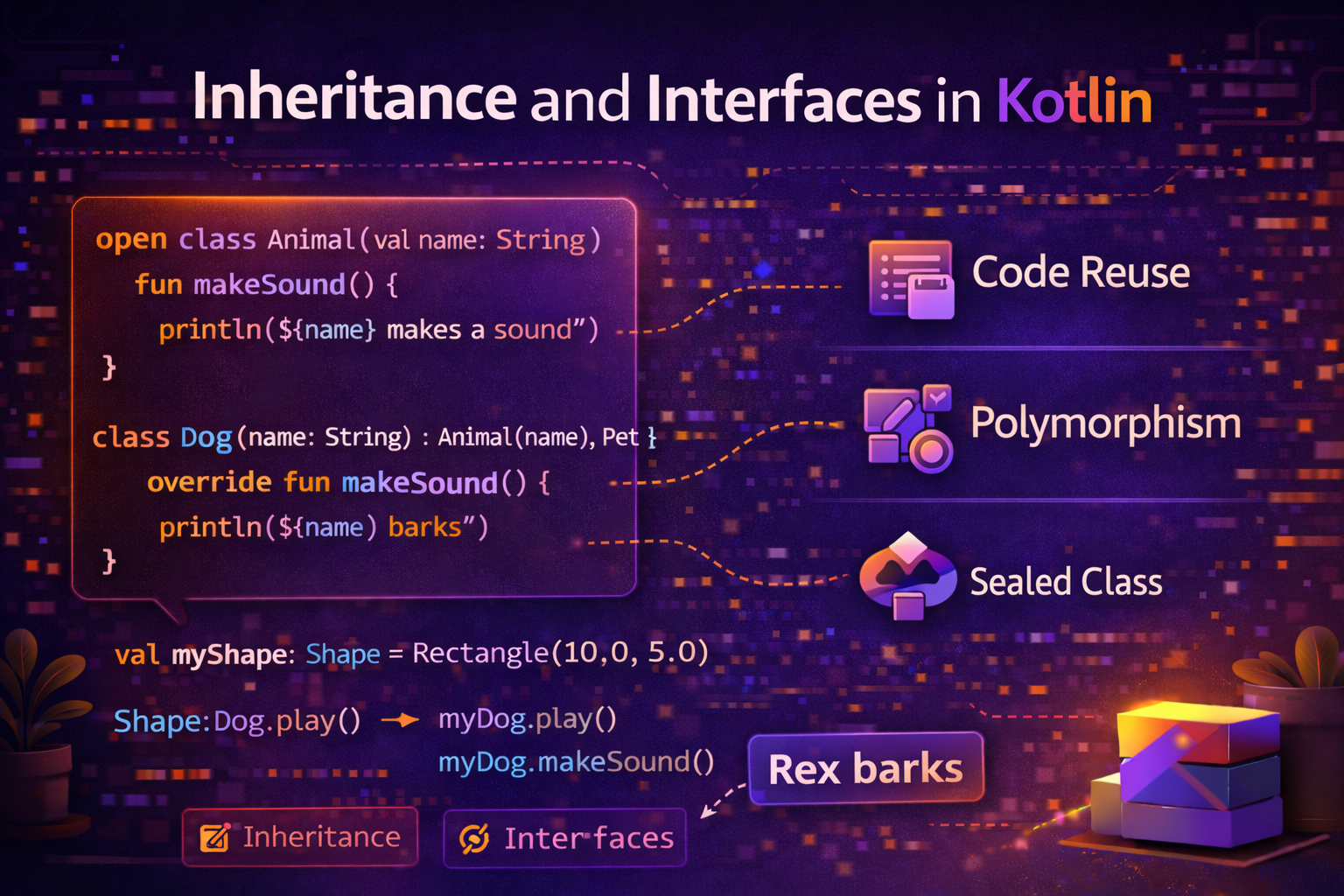
Inheritance and interfaces are the foundation of object-oriented programming. They let you share code across classes, define contracts, and build flexible, maintainable architectures. Kotlin makes both clean and expressive while fixing several pain points from Java. This guide covers everything with practical Android examples.
What Is Inheritance?
Inheritance lets one class acquire the properties and behavior of another class. The class being inherited from is called the parent (or base/superclass). The class that inherits is called the child (or derived/subclass).
Real-world analogy: Think of a Vehicle as a parent class. A Car, Truck, and Motorcycle are all vehicles — they all have a speed, fuel level, and can start/stop. But each also has unique behavior. Car has doors, Truck has cargo capacity, Motorcycle has a kickstand. Inheritance lets you define the common stuff once in Vehicle and reuse it in all three.
Classes Are Closed by Default — open Keyword
In Kotlin, all classes are final by default — they cannot be inherited. You must explicitly mark a class as open to allow inheritance.
class Animal {
    fun breathe() = println("Breathing...")
}

class Dog : Animal()  // ❌ Error — Animal is not open

open class Animal {
    fun breathe() = println("Breathing...")
}

class Dog : Animal()  // ✅ Works — Animal is open
This is the opposite of Java where all classes are inheritable unless marked final. Kotlin's approach encourages deliberate design — you explicitly decide what can be extended.
Basic Inheritance
 open class Animal(val name: String) {
    fun breathe() = println("$name is breathing")
    fun eat() = println("$name is eating")
}

class Dog(name: String) : Animal(name) {
    fun bark() = println("$name says: Woof!")
}

class Cat(name: String) : Animal(name) {
    fun meow() = println("$name says: Meow!")
}

val dog = Dog("Rex")
dog.breathe()   // Rex is breathing  — inherited from Animal
dog.eat()       // Rex is eating     — inherited from Animal
dog.bark()      // Rex says: Woof!   — Dog's own function

val cat = Cat("Whiskers")
cat.meow()      // Whiskers says: Meow!
cat.breathe()   // Whiskers is breathing
Overriding Functions
When a child class wants to replace the behavior of a parent function, it overrides it. Both the parent function and the child's override must be explicitly marked.
open class Animal(val name: String) {
    open fun makeSound() = println("$name makes a generic sound")
    open fun describe() = println("I am an animal named $name")
}

class Dog(name: String) : Animal(name) {
    override fun makeSound() = println("$name barks: Woof!")
}

class Cat(name: String) : Animal(name) {
    override fun makeSound() = println("$name meows: Meow!")
    override fun describe() = println("I am a cat named $name")
}

val animals: List<Animal> = listOf(Dog("Rex"), Cat("Luna"), Dog("Max"))

for (animal in animals) {
    animal.makeSound()   // calls the correct override for each
}
// Rex barks: Woof!
// Luna meows: Meow!
// Max barks: Woof!
This is polymorphism — treating different types uniformly through a common interface.
Calling the Parent with super
Use super to call the parent class's version of a function:
open class View(val id: Int) {
    open fun render() {
        println("Rendering View $id")
    }
}

class Button(id: Int, val label: String) : View(id) {
    override fun render() {
        super.render()                    // call parent's render first
        println("Drawing button: $label") // then add button-specific behavior
    }
}

val btn = Button(1, "Submit")
btn.render()
// Rendering View 1
// Drawing button: Submit
Overriding Properties
Properties can be overridden too — mark them open in the parent and override in the child:
open class Shape {
    open val area: Double get() = 0.0
    open val name: String get() = "Shape"
}

class Circle(val radius: Double) : Shape() {
    override val area: Double get() = Math.PI * radius * radius
    override val name: String get() = "Circle"
}

class Rectangle(val width: Double, val height: Double) : Shape() {
    override val area: Double get() = width * height
    override val name: String get() = "Rectangle"
}

val shapes: List<Shape> = listOf(Circle(5.0), Rectangle(4.0, 6.0))

for (shape in shapes) {
    println("${shape.name}: area = ${"%.2f".format(shape.area)}")
}
// Circle: area = 78.54
// Rectangle: area = 24.00
Abstract Classes
An abstract class cannot be instantiated directly — it exists only to be subclassed. It can have abstract functions (no body — subclass must implement) and concrete functions (with body — subclass can optionally override).
abstract class Animal(val name: String) {
    // Abstract — must be implemented by subclasses
    abstract fun makeSound(): String
    abstract val type: String

    // Concrete — subclasses inherit this, may override
    fun introduce() = println("I am $name, a $type. I say: ${makeSound()}")
    open fun eat() = println("$name is eating")
}

class Dog(name: String) : Animal(name) {
    override fun makeSound() = "Woof!"
    override val type = "dog"
}

class Cat(name: String) : Animal(name) {
    override fun makeSound() = "Meow!"
    override val type = "cat"
    override fun eat() = println("$name is delicately eating")
}

// val animal = Animal("Unknown")  // ❌ Cannot instantiate abstract class

val dog = Dog("Rex")
dog.introduce()   // I am Rex, a dog. I say: Woof!

val cat = Cat("Luna")
cat.introduce()   // I am Luna, a cat. I say: Meow!
cat.eat()         // Luna is delicately eating
Interfaces — Define a Contract
An interface defines what a class can do without specifying how. It's a contract — any class that implements the interface must provide implementations for its functions.
interface Clickable {
    fun onClick()
}

interface Swipeable {
    fun onSwipe(direction: String)
}

class SwipeableCard : Clickable, Swipeable {
    override fun onClick() = println("Card clicked")
    override fun onSwipe(direction: String) = println("Card swiped $direction")
}
A class can implement multiple interfaces but can only extend one class. This is how Kotlin (and Java) achieve multiple inheritance of behavior.
Interfaces with Default Implementations
Unlike Java (before Java 8), Kotlin interfaces can have default implementations. The implementing class can choose to use the default or override it.
interface Logging {
    val tag: String get() = this::class.simpleName ?: "Unknown"

    fun log(message: String) {
        println("[$tag] $message")   // default implementation
    }

    fun logError(message: String) {
        println("[$tag] ERROR: $message")   // default implementation
    }
}

class UserRepository : Logging {
    // Uses default log() and logError() — no need to implement them

    fun getUser(id: String) {
        log("Fetching user: $id")
        // fetch user...
        log("User fetched successfully")
    }
}

class ApiService : Logging {
    override val tag = "API"  // override the default tag

    // Uses default log() but overrides logError()
    override fun logError(message: String) {
        println("[$tag] CRITICAL ERROR: $message")
        // maybe also send to crash reporting service
    }
}

val repo = UserRepository()
repo.getUser("123")
// [UserRepository] Fetching user: 123
// [UserRepository] User fetched successfully

val api = ApiService()
api.logError("Connection timeout")
// [API] CRITICAL ERROR: Connection timeout
Interface vs Abstract Class — When to Use Which
| Interface | Abstract Class | |
|---|---|---|
| Multiple inheritance | ✅ A class can implement many | ❌ A class can only extend one |
| Constructor | ❌ Cannot have constructor | ✅ Can have constructor |
| State (stored properties) | ❌ No backing fields | ✅ Can store state |
| Default implementations | ✅ | ✅ |
| Use when | Defining capability/contract | Defining a base with shared state |
// Interface — "can do" relationship
interface Serializable { fun serialize(): String }
interface Cacheable { fun cache() }
interface Trackable { fun track(event: String) }

// Abstract class — "is a" relationship with shared state
abstract class BaseViewModel : ViewModel() {
    private val _isLoading = MutableStateFlow(false)
    val isLoading = _isLoading.asStateFlow()

    protected fun setLoading(loading: Boolean) {
        _isLoading.value = loading
    }

    abstract fun onStart()
}
Practical Android Examples
BaseViewModel Pattern
A common pattern — abstract base ViewModel that provides shared functionality:
abstract class BaseViewModel : ViewModel() {

    private val _isLoading = MutableStateFlow(false)
    val isLoading = _isLoading.asStateFlow()

    private val _errorMessage = MutableStateFlow<String?>(null)
    val errorMessage = _errorMessage.asStateFlow()

    protected fun setLoading(loading: Boolean) {
        _isLoading.value = loading
    }

    protected fun setError(message: String?) {
        _errorMessage.value = message
    }

    protected suspend fun <T> executeWithLoading(block: suspend () -> T): T? {
        setLoading(true)
        setError(null)
        return try {
            val result = block()
            setLoading(false)
            result
        } catch (e: Exception) {
            setLoading(false)
            setError(e.message ?: "Something went wrong")
            null
        }
    }
}

class ArticleViewModel(private val repository: ArticleRepository) : BaseViewModel() {

    private val _articles = MutableStateFlow<List<Article>>(emptyList())
    val articles = _articles.asStateFlow()

    fun loadArticles() {
        viewModelScope.launch {
            val result = executeWithLoading {
                repository.getArticles()
            }
            result?.let { _articles.value = it }
        }
    }
}

class UserViewModel(private val repository: UserRepository) : BaseViewModel() {

    private val _user = MutableStateFlow<User?>(null)
    val user = _user.asStateFlow()

    fun loadUser(id: String) {
        viewModelScope.launch {
            val result = executeWithLoading {
                repository.getUser(id)
            }
            _user.value = result
        }
    }
}
Repository Interface Pattern
Defining a contract for repositories — makes testing easy by swapping real implementation with fake:
interface ArticleRepository {
    suspend fun getArticles(category: String): List<Article>
    suspend fun getArticleById(id: String): Article?
    suspend fun saveArticle(article: Article)
    suspend fun deleteArticle(id: String)
    fun searchArticles(query: String): Flow<List<Article>>
}

// Real implementation
class ArticleRepositoryImpl(
    private val apiService: ApiService,
    private val articleDao: ArticleDao
) : ArticleRepository {

    override suspend fun getArticles(category: String): List<Article> {
        return try {
            val articles = apiService.getArticles(category)
            articleDao.insertAll(articles)
            articles
        } catch (e: Exception) {
            articleDao.getByCategory(category)
        }
    }

    override suspend fun getArticleById(id: String): Article? {
        return articleDao.getById(id) ?: apiService.getArticle(id)
    }

    override suspend fun saveArticle(article: Article) {
        articleDao.insert(article)
    }

    override suspend fun deleteArticle(id: String) {
        articleDao.deleteById(id)
    }

    override fun searchArticles(query: String): Flow<List<Article>> {
        return articleDao.search(query)
    }
}

// Fake implementation for testing
class FakeArticleRepository : ArticleRepository {
    private val articles = mutableListOf<Article>()

    override suspend fun getArticles(category: String) =
        articles.filter { it.category == category }

    override suspend fun getArticleById(id: String) =
        articles.find { it.id == id }

    override suspend fun saveArticle(article: Article) {
        articles.add(article)
    }

    override suspend fun deleteArticle(id: String) {
        articles.removeIf { it.id == id }
    }

    override fun searchArticles(query: String) =
        flowOf(articles.filter { it.title.contains(query) })
}
Multiple Interface Implementation
interface Refreshable {
    fun refresh()
}

interface Searchable {
    fun search(query: String)
}

interface Filterable {
    fun applyFilter(filter: String)
    fun clearFilter()
}

class ArticleFragment : Fragment(), Refreshable, Searchable, Filterable {

    override fun refresh() {
        viewModel.loadArticles()
    }

    override fun search(query: String) {
        viewModel.search(query)
    }

    override fun applyFilter(filter: String) {
        viewModel.setFilter(filter)
    }

    override fun clearFilter() {
        viewModel.clearFilter()
    }
}
Preventing Further Override — final
Once a class overrides a function, its subclasses can override it again — unless you mark it final:
open class A {
    open fun greet() = println("Hello from A")
}

open class B : A() {
    final override fun greet() = println("Hello from B")
    // No subclass of B can override greet() anymore
}

class C : B() {
    override fun greet() = println("Hello from C")  // ❌ Error — greet is final in B
}
Sealed Classes Are Abstract Classes
It's worth noting that sealed classes are actually a special kind of abstract class — you can't instantiate them directly, and all subclasses must be defined in the same file.
sealed class UiState {
    object Loading : UiState()
    data class Success(val data: String) : UiState()
    data class Error(val message: String) : UiState()
}
// UiState is effectively abstract — you use its subtypes
Common Mistakes to Avoid
Mistake 1: Forgetting open keyword
// ❌ Error — Vehicle is not open
class Vehicle(val speed: Int)
class Car(speed: Int) : Vehicle(speed)

// ✅ Mark parent as open
open class Vehicle(val speed: Int)
class Car(speed: Int) : Vehicle(speed)
Mistake 2: Forgetting override keyword
open class Animal {
    open fun sound() = println("...")
}

class Dog : Animal() {
    fun sound() = println("Woof")  // ❌ This hides, not overrides — compiler warns
    override fun sound() = println("Woof")  // ✅ Correct
}
Mistake 3: Deep inheritance hierarchies
// ❌ Hard to follow — too many levels
open class A
open class B : A()
open class C : B()
open class D : C()
class E : D()   // 5 levels deep — avoid this

// ✅ Prefer composition and interfaces over deep inheritance
Mistake 4: Using inheritance when composition is better
// ❌ Inheritance just to reuse code
class UserRepository : BaseRepository() {
    // only uses 2 of the 10 methods in BaseRepository
}

// ✅ Compose behavior through interfaces and delegation
class UserRepository(
    private val cache: CacheStrategy,
    private val logger: Logger
) : Repository {
    // use only what you need
}
Summary
- In Kotlin, classes are closed by default — use
opento allow inheritance - Use
overrideto replace a parent's behavior — both parent function and override must be marked - Use
superto call the parent's version of a function from the child abstractclasses cannot be instantiated — they define a template for subclassesinterfacedefines a contract — what a class can do, not how- Interfaces support default implementations — implementing classes can use or override them
- A class can implement multiple interfaces but extend only one class
- Use interfaces for "can do" relationships and abstract classes for "is a" relationships with shared state
- The Repository interface pattern is fundamental to testable Android architecture
- Prefer composition and interfaces over deep inheritance hierarchies
Inheritance and interfaces are tools — use them deliberately. In modern Android development, interfaces are used heavily (Repository, UseCase, DataSource) while deep inheritance is generally avoided in favor of composition.
Happy coding!
Comments (0)