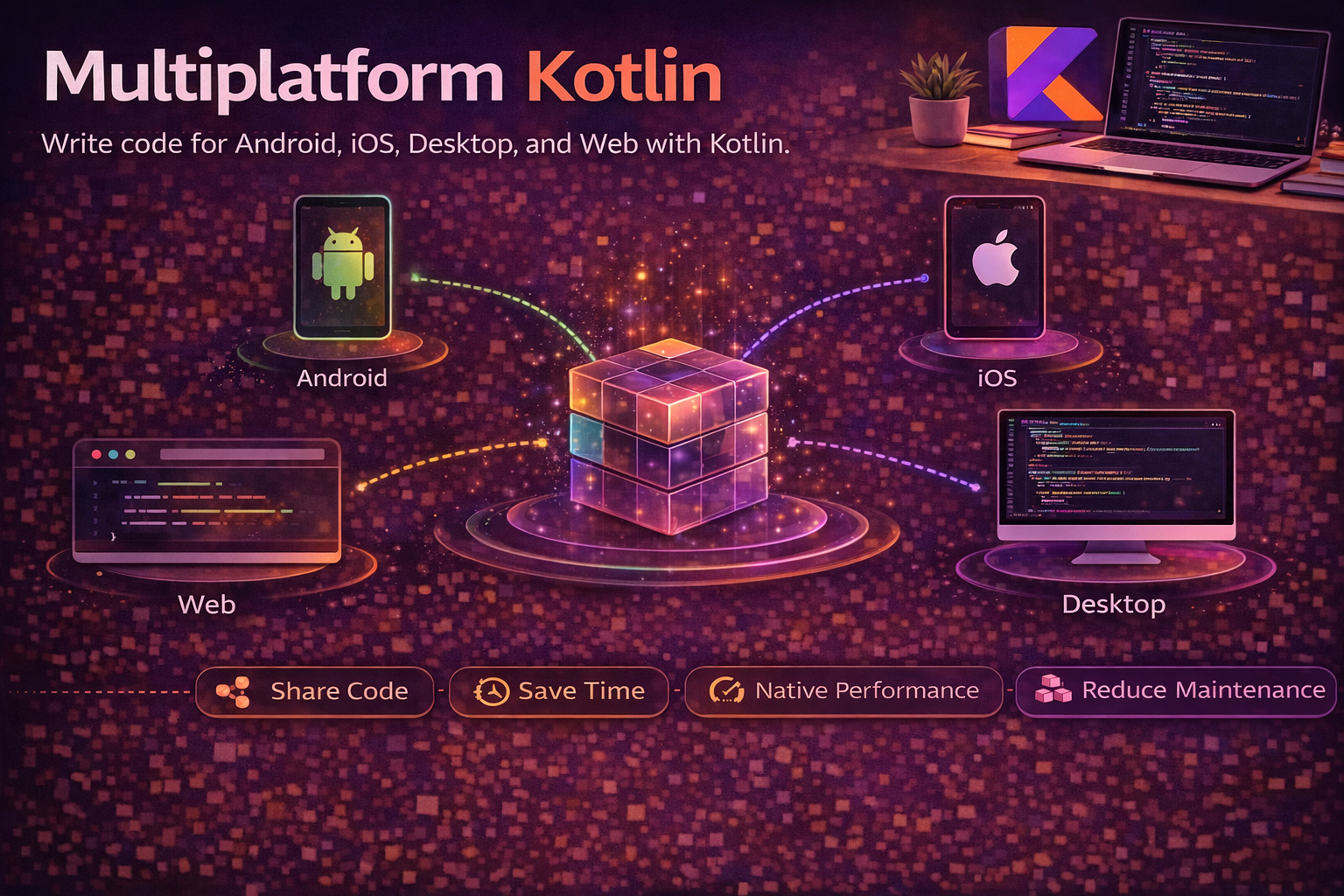
Kotlin Multiplatform (KMP) lets you write shared business logic once and use it across Android, iOS, web, desktop, and server. Unlike cross-platform UI frameworks (Flutter, React Native), KMP doesn’t replace your native UI — it shares the code behind the UI: networking, data models, validation, caching, and business rules. This means you get native performance, native UI, and native platform access — while eliminating duplicate logic across platforms. Google officially backs KMP for Android, and companies like Netflix, Philips, Cash App, and VMware use it in production. This guide covers what KMP is, how it works, what you can share, and how to get started.
What is Kotlin Multiplatform?
KMP is a code-sharing strategy, not a UI framework. You write shared code in Kotlin and compile it to each platform’s native format:
// Shared Kotlin code (commonMain)
// Compiles to JVM bytecode for Android, native binary for iOS,
// JavaScript for web, JVM for server

class ArticleRepository(
    private val api: ArticleApi,
    private val cache: ArticleCache
) {
    suspend fun getArticles(): List<Article> {
        val cached = cache.getAll()
        if (cached.isNotEmpty()) return cached

        val fresh = api.fetchArticles()
        cache.save(fresh)
        return fresh
    }

    suspend fun search(query: String): List<Article> {
        return api.search(query)
    }
}

// This SAME code runs on:
// ✅ Android (Kotlin/JVM)
// ✅ iOS (Kotlin/Native)
// ✅ Web (Kotlin/JS or Kotlin/Wasm)
// ✅ Desktop (Kotlin/JVM)
// ✅ Server (Kotlin/JVM)
KMP vs Cross-Platform UI Frameworks
// ┌──────────────────────┬──────────────────┬──────────────────┬──────────────────┐
// │                      │  KMP             │  Flutter         │  React Native    │
// ├──────────────────────┼──────────────────┼──────────────────┼──────────────────┤
// │ Shares               │ Business logic   │ UI + Logic       │ UI + Logic       │
// │ UI                   │ Native per       │ Custom rendering │ Native bridges   │
// │                      │ platform         │ engine           │                  │
// │ Language             │ Kotlin           │ Dart             │ JavaScript/TS    │
// │ Performance          │ Native           │ Near-native      │ Bridge overhead  │
// │ Platform APIs        │ Direct access    │ Platform channels│ Native modules   │
// │ Gradual adoption     │ Easy             │ All or nothing   │ All or nothing   │
// │ Existing apps        │ Add to existing  │ Rewrite          │ Rewrite          │
// │ UI look & feel      │ 100% native      │ Custom           │ Near-native      │
// │ Team skills          │ Kotlin           │ Dart             │ JS/TS            │
// └──────────────────────┴──────────────────┴──────────────────┴──────────────────┘

// KMP + Compose Multiplatform = shared UI too (optional)
// You can share UI with Compose Multiplatform if you want
// But the core KMP value is shared LOGIC with native UI
Project Structure
// Typical KMP project structure
my-kmp-project/
├── shared/                        // Shared Kotlin module
│   └── src/
│       ├── commonMain/            // Code shared across ALL platforms
│       │   └── kotlin/
│       │       ├── models/        // Data classes
│       │       ├── repository/    // Business logic
│       │       ├── network/       // API definitions
│       │       └── utils/         // Shared utilities
│       │
│       ├── androidMain/           // Android-specific implementations
│       │   └── kotlin/
│       │       └── Platform.android.kt
│       │
│       ├── iosMain/               // iOS-specific implementations
│       │   └── kotlin/
│       │       └── Platform.ios.kt
│       │
│       ├── commonTest/            // Shared tests
│       ├── androidUnitTest/       // Android-specific tests
│       └── iosTest/               // iOS-specific tests
│
├── androidApp/                    // Android app (uses shared module)
│   └── src/main/
│       ├── AndroidManifest.xml
│       └── kotlin/
│           └── ui/                // Android UI (Compose or XML)
│
└── iosApp/                        // iOS app (uses shared module)
    └── iosApp/
        ├── ContentView.swift      // iOS UI (SwiftUI or UIKit)
        └── Info.plist
expect / actual — Platform-Specific Code
When shared code needs platform-specific behaviour, use expect and actual:
// commonMain — declare what you EXPECT each platform to provide
expect fun getPlatformName(): String

expect class PlatformLogger() {
    fun log(message: String)
}

// androidMain — ACTUAL implementation for Android
actual fun getPlatformName(): String = "Android ${Build.VERSION.SDK_INT}"

actual class PlatformLogger {
    actual fun log(message: String) {
        Log.d("KMP", message)
    }
}

// iosMain — ACTUAL implementation for iOS
actual fun getPlatformName(): String = UIDevice.currentDevice.systemName()

actual class PlatformLogger {
    actual fun log(message: String) {
        NSLog(message)
    }
}

// Usage in commonMain — works on both platforms
fun greet(): String {
    val logger = PlatformLogger()
    logger.log("Running on ${getPlatformName()}")
    return "Hello from ${getPlatformName()}"
}
expect/actual for platform-specific dependencies
// commonMain — expect a settings storage interface
expect class Settings {
    fun getString(key: String, default: String): String
    fun putString(key: String, value: String)
}

// androidMain — backed by SharedPreferences
actual class Settings(private val prefs: SharedPreferences) {
    actual fun getString(key: String, default: String): String {
        return prefs.getString(key, default) ?: default
    }
    actual fun putString(key: String, value: String) {
        prefs.edit().putString(key, value).apply()
    }
}

// iosMain — backed by NSUserDefaults
actual class Settings {
    private val defaults = NSUserDefaults.standardUserDefaults
    actual fun getString(key: String, default: String): String {
        return defaults.stringForKey(key) ?: default
    }
    actual fun putString(key: String, value: String) {
        defaults.setObject(value, forKey = key)
    }
}
What to Share
// ✅ GREAT to share (business logic, no UI dependency)
// - Data models / domain objects
// - Networking (API calls, request/response handling)
// - Data validation and business rules
// - Caching and persistence logic
// - Date/time calculations
// - String formatting and parsing
// - State management
// - Analytics event definitions
// - Unit tests for all of the above

// ⚠️ CAN share but requires platform abstraction
// - Database access (SQLDelight provides KMP support)
// - File I/O (use expect/actual)
// - Platform settings/preferences (use expect/actual or KMP libraries)
// - Concurrency (kotlinx.coroutines has native support)

// ❌ DON'T share (keep platform-native)
// - UI code (unless using Compose Multiplatform)
// - Platform-specific APIs (camera, GPS, sensors)
// - Platform-specific UI patterns (navigation, notifications)
// - Push notification handling
Key Libraries for KMP
// Networking
// Ktor — multiplatform HTTP client
val client = HttpClient {
    install(ContentNegotiation) { json() }
}
val articles: List<Article> = client.get("https://api.example.com/articles").body()

// Serialization
// kotlinx.serialization — multiplatform JSON
@Serializable
data class Article(
    val id: String,
    val title: String,
    @SerialName("created_at") val createdAt: Long
)
val json = Json.encodeToString(article)
val article = Json.decodeFromString<Article>(json)

// Database
// SQLDelight — type-safe SQL with multiplatform support
// Generates Kotlin code from .sq files
// Works on Android (SQLite), iOS (SQLite), JVM, JS

// Coroutines
// kotlinx.coroutines — full multiplatform support
// Dispatchers.Default, Dispatchers.Main available on all platforms

// Date/Time
// kotlinx-datetime — multiplatform date/time
val now = Clock.System.now()
val today = now.toLocalDateTime(TimeZone.currentSystemDefault()).date

// Key-Value Storage
// multiplatform-settings — wraps platform preferences
// Android: SharedPreferences, iOS: NSUserDefaults

// Dependency Injection
// Koin — multiplatform DI framework
val sharedModule = module {
    single { ArticleRepository(get(), get()) }
    single { ArticleApi(get()) }
}
Compose Multiplatform — Shared UI
If you want to share UI too, Compose Multiplatform extends Jetpack Compose to work on iOS, desktop, and web:
// Shared Composable — runs on Android AND iOS
@Composable
fun ArticleListScreen(viewModel: ArticleViewModel) {
    val uiState by viewModel.uiState.collectAsState()

    when (val state = uiState) {
        is UiState.Loading -> CircularProgressIndicator()
        is UiState.Success -> {
            LazyColumn {
                items(state.articles) { article ->
                    ArticleCard(article)
                }
            }
        }
        is UiState.Error -> Text("Error: ${state.message}")
    }
}

@Composable
fun ArticleCard(article: Article) {
    Card(modifier = Modifier.padding(8.dp)) {
        Column(modifier = Modifier.padding(16.dp)) {
            Text(article.title, style = MaterialTheme.typography.h6)
            Text(article.subtitle, style = MaterialTheme.typography.body2)
        }
    }
}

// Same UI code, rendered natively on each platform:
// Android: Jetpack Compose (native)
// iOS: Compose for iOS (Skia-based rendering)
// Desktop: Compose for Desktop
// Web: Compose for Web (Canvas or DOM)
Setting Up a KMP Project
Gradle configuration (shared module)
// shared/build.gradle.kts
plugins {
    kotlin("multiplatform")
    kotlin("plugin.serialization")
    id("com.android.library")
}

kotlin {
    // Target platforms
    androidTarget {
        compilations.all {
            kotlinOptions { jvmTarget = "17" }
        }
    }

    listOf(
        iosX64(),       // iOS simulator (Intel)
        iosArm64(),     // iOS device
        iosSimulatorArm64()   // iOS simulator (Apple Silicon)
    ).forEach {
        it.binaries.framework {
            baseName = "shared"
        }
    }

    sourceSets {
        commonMain.dependencies {
            implementation("io.ktor:ktor-client-core:2.3.7")
            implementation("io.ktor:ktor-client-content-negotiation:2.3.7")
            implementation("io.ktor:ktor-serialization-kotlinx-json:2.3.7")
            implementation("org.jetbrains.kotlinx:kotlinx-coroutines-core:1.7.3")
            implementation("org.jetbrains.kotlinx:kotlinx-serialization-json:1.6.2")
            implementation("org.jetbrains.kotlinx:kotlinx-datetime:0.5.0")
        }

        androidMain.dependencies {
            implementation("io.ktor:ktor-client-android:2.3.7")
        }

        iosMain.dependencies {
            implementation("io.ktor:ktor-client-darwin:2.3.7")
        }

        commonTest.dependencies {
            implementation(kotlin("test"))
            implementation("org.jetbrains.kotlinx:kotlinx-coroutines-test:1.7.3")
        }
    }
}

android {
    namespace = "com.example.shared"
    compileSdk = 34
    defaultConfig { minSdk = 24 }
}
Using shared module in Android app
// androidApp/build.gradle.kts
dependencies {
    implementation(project(":shared"))   // that's it!
}

// In Android code
class ArticleViewModel : ViewModel() {
    // Using shared repository directly
    private val repository = ArticleRepository(
        api = ArticleApi(httpClient),
        cache = ArticleCache(database)
    )

    val articles: StateFlow<List<Article>> = flow {
        emit(repository.getArticles())
    }.stateIn(viewModelScope, SharingStarted.WhileSubscribed(5000), emptyList())
}
Using shared module in iOS app (Swift)
// In Swift — shared module is available as a framework
import shared

class ArticleViewModel: ObservableObject {
    @Published var articles: [Article] = []

    private let repository = ArticleRepository(
        api: ArticleApi(httpClient: HttpClient()),
        cache: ArticleCache()
    )

    func loadArticles() {
        Task {
            let result = try await repository.getArticles()
            await MainActor.run {
                self.articles = result
            }
        }
    }
}
Real Android Pattern — Adding KMP to an Existing App
// Step 1: Identify shareable code in your existing Android app
// Look for: data classes, API interfaces, repositories, validators, utils

// Step 2: Create a shared module
// Move pure Kotlin code (no Android imports) to commonMain

// Step 3: Replace Android-specific code with expect/actual
// Before (Android-only):
class UserRepository(private val prefs: SharedPreferences) {
    fun getToken(): String = prefs.getString("token", "") ?: ""
}

// After (KMP shared):
// commonMain
class UserRepository(private val tokenStorage: TokenStorage) {
    fun getToken(): String = tokenStorage.get("token")
}

expect class TokenStorage {
    fun get(key: String): String
    fun set(key: String, value: String)
}

// androidMain
actual class TokenStorage(private val prefs: SharedPreferences) {
    actual fun get(key: String): String = prefs.getString(key, "") ?: ""
    actual fun set(key: String, value: String) { prefs.edit().putString(key, value).apply() }
}

// iosMain
actual class TokenStorage {
    private val defaults = NSUserDefaults.standardUserDefaults
    actual fun get(key: String): String = defaults.stringForKey(key) ?: ""
    actual fun set(key: String, value: String) { defaults.setObject(value, forKey = key) }
}

// Step 4: Android app depends on shared module instead of direct code
// Step 5: iOS app imports the shared framework
// Step 6: Both apps use the SAME business logic
Common Mistakes to Avoid
Mistake 1: Trying to share everything
// ❌ Sharing platform-specific UI code
// commonMain
@Composable
fun showNotification(title: String) {
    // Notifications are deeply platform-specific
    // This will be painful to abstract
}

// ✅ Share the logic, not the platform integration
// commonMain
data class NotificationData(val title: String, val body: String, val channel: String)

fun buildNotification(event: Event): NotificationData {
    return NotificationData(
        title = event.title,
        body = "New event: ${event.description}",
        channel = "events"
    )
}
// Let each platform handle actually SHOWING the notification
Mistake 2: Not using multiplatform libraries
// ❌ Using platform-specific libraries in shared code
// commonMain
import retrofit2.http.GET   // ❌ Retrofit is Android/JVM only

// ✅ Use KMP-compatible libraries
// commonMain
import io.ktor.client.*   // ✅ Ktor works on all platforms

// KMP alternatives:
// Retrofit → Ktor Client
// Gson → kotlinx.serialization
// Room → SQLDelight
// SharedPreferences → multiplatform-settings
// java.time → kotlinx-datetime
Mistake 3: Ignoring iOS-specific concerns
// ❌ Kotlin/Native has different memory and concurrency rules
// commonMain
object GlobalState {
    var currentUser: User? = null   // shared mutable state
}
// On iOS (Kotlin/Native), sharing mutable state across threads was
// historically problematic (pre-new memory model)

// ✅ Use proper concurrency primitives
// commonMain
class AppState {
    private val _currentUser = MutableStateFlow<User?>(null)
    val currentUser: StateFlow<User?> = _currentUser

    fun setUser(user: User) { _currentUser.value = user }
}
// StateFlow is thread-safe and works correctly on all platforms
Mistake 4: Going all-in before validating
// ❌ Rewriting entire app to KMP at once
// High risk, long timeline, hard to roll back

// ✅ Start small and grow
// Phase 1: Move data models to shared module
// Phase 2: Move networking/API layer
// Phase 3: Move business logic / repositories
// Phase 4: Move validation and utilities
// Phase 5: (Optional) Share UI with Compose Multiplatform

// Each phase delivers value and can be validated independently
Summary
- Kotlin Multiplatform (KMP) lets you share business logic across Android, iOS, web, desktop, and server
- KMP is not a UI framework — it shares the code behind the UI while keeping native UI per platform
expect/actuallets you declare platform-specific implementations for shared interfaces- Project structure:
commonMain(shared),androidMain(Android-specific),iosMain(iOS-specific) - Share: data models, networking, repositories, validation, business rules, caching, tests
- Don’t share: UI code, platform-specific APIs (camera, GPS, notifications) unless using Compose Multiplatform
- Key KMP libraries: Ktor (networking), kotlinx.serialization (JSON), SQLDelight (database), kotlinx-datetime, Koin (DI)
- Compose Multiplatform optionally lets you share UI too — extends Jetpack Compose to iOS, desktop, and web
- KMP compiles to native code per platform — JVM bytecode for Android, native binary for iOS, JS for web
- Google officially supports KMP for Android — AndroidX libraries are adding KMP support
- Adopt incrementally — start with data models, then networking, then business logic
- Use KMP-compatible libraries (Ktor, not Retrofit; kotlinx.serialization, not Gson)
Kotlin Multiplatform represents the most pragmatic approach to cross-platform development. Instead of forcing you to rewrite everything in a new framework, it lets you share exactly the code that makes sense to share — business logic — while keeping the platform-native UI and experience your users expect. If you’re already writing Kotlin for Android, the path to sharing that code with iOS is shorter than you think.
Happy coding!
Comments (0)