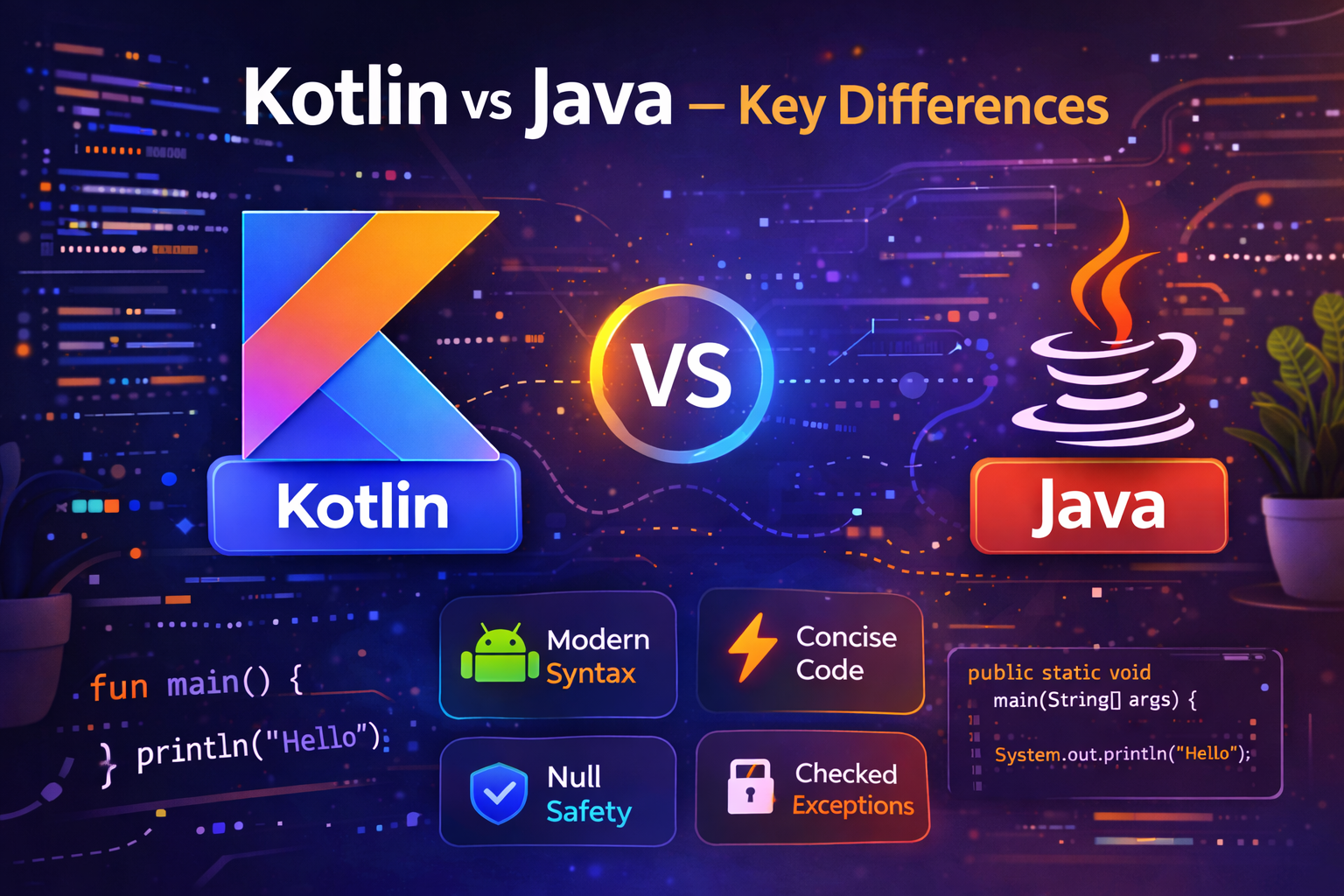
If you're coming from Java or trying to decide which language to learn for Android development, this guide gives you a clear side-by-side comparison of Kotlin and Java. Every difference is explained with real code so you can see exactly what changes and why Kotlin is the better choice for modern Android development.
Quick Overview
| Feature | Java | Kotlin |
|---|---|---|
| Created | 1995 (Sun Microsystems) | 2016 (JetBrains) |
| Official Android support | 2008 | 2017 |
| Preferred by Google | No (since 2019) | Yes |
| Null safety | No built-in | Built into type system |
| Checked exceptions | Yes | No |
| Data classes | Manual (20+ lines) | One line |
| Coroutines | No | Yes |
| Extension functions | No | Yes |
| Verbosity | High | Low |
| Interoperability | — | 100% with Java |
1. Null Safety
This is the biggest practical difference between the two languages.
In Java, any variable can be null at any time. There is nothing stopping you from calling a method on a null object — the compiler won't warn you, and the app crashes at runtime with a NullPointerException.
Java — NullPointerException is always possible:
String name = null;
int length = name.length(); // crashes at runtime — NullPointerException
In Kotlin, nullability is part of the type. A String can never be null. A String? can be null. The compiler forces you to handle the null case before the code will even compile.
Kotlin — null safety enforced at compile time:
var name: String = "John"
name = null  // ❌ compile error — won't build

var nickname: String? = null  // ✅ explicitly nullable

// Must handle null before using
val length = nickname?.length       // returns null if nickname is null
val length = nickname?.length ?: 0  // returns 0 if nickname is null
Result: An entire category of runtime crashes that Java developers deal with daily are simply not possible in well-written Kotlin code.
2. Data Classes
Creating a model class in Java requires writing a constructor, getters, setters, toString(), equals(), and hashCode() — all manually, all repetitive.
Java — 35+ lines for a simple model:
public class User {
    private String name;
    private int age;
    private String email;

    public User(String name, int age, String email) {
        this.name = name;
        this.age = age;
        this.email = email;
    }

    public String getName() { return name; }
    public int getAge() { return age; }
    public String getEmail() { return email; }

    public void setName(String name) { this.name = name; }
    public void setAge(int age) { this.age = age; }
    public void setEmail(String email) { this.email = email; }

    @Override
    public String toString() {
        return "User{name='" + name + "', age=" + age + ", email='" + email + "'}";
    }

    @Override
    public boolean equals(Object o) { /* lots of code */ }

    @Override
    public int hashCode() { /* lots of code */ }
}
Kotlin — 1 line:
data class User(val name: String, val age: Int, val email: String)And you automatically get:
- Constructor
- Getters (and setters for
varproperties) toString()equals()andhashCode()copy()— create a modified copy of the object- Destructuring support
val user = User("John", 25, "john@email.com")

println(user)                              // User(name=John, age=25, email=john@email.com)
val updated = user.copy(age = 26)          // create copy with different age
val (name, age, email) = user              // destructuring
3. Type Inference
In Java, you must always explicitly declare the type of a variable. In Kotlin, the compiler figures it out from the value assigned.
Java — always declare the type:
String name = "John";
int age = 25;
boolean isActive = true;
List<String> items = new ArrayList<>();
Kotlin — compiler infers the type:
val name = "John"       // compiler knows: String
val age = 25            // compiler knows: Int
val isActive = true     // compiler knows: Boolean
val items = listOf<String>()  // compiler knows: List<String>
You can still declare the type explicitly in Kotlin when needed:
val score: Double = 9.54. String Templates
Concatenating strings in Java is verbose and hard to read. Kotlin has string templates that let you embed variables and expressions directly.
Java:
String name = "John";
int age = 25;
String message = "Hello, " + name + "! You are " + age + " years old.";
String info = "Name has " + name.length() + " characters.";
Kotlin:
val name = "John"
val age = 25
val message = "Hello, $name! You are $age years old."
val info = "Name has ${name.length} characters."  // use ${} for expressions
Much cleaner and easier to read.
5. when vs switch
Java's switch statement is limited — it only works with certain types, requires break statements, and can't return a value directly.
Kotlin's when expression works with any type, doesn't need break, can return a value, and supports complex conditions.
Java switch:
int day = 3;
String result;

switch (day) {
    case 1:
        result = "Monday";
        break;
    case 2:
        result = "Tuesday";
        break;
    case 3:
        result = "Wednesday";
        break;
    default:
        result = "Other";
        break;
}
Kotlin when:
val day = 3
val result = when (day) {
    1 -> "Monday"
    2 -> "Tuesday"
    3 -> "Wednesday"
    else -> "Other"
}
Kotlin when can also handle ranges, multiple values, and type checks:
val score = 85
val grade = when {
    score >= 90 -> "A"
    score >= 80 -> "B"
    score >= 70 -> "C"
    else -> "F"
}

// Multiple values in one branch
val day = "Saturday"
val type = when (day) {
    "Saturday", "Sunday" -> "Weekend"
    else -> "Weekday"
}
6. Extension Functions
Java has no way to add a function to an existing class without modifying it or creating a subclass. Kotlin lets you add functions to any class — even ones you don't own like String or Int.
Java — you'd need a utility class:
public class StringUtils {
    public static String addExclamation(String str) {
        return str + "!";
    }
}

// Call it like this
StringUtils.addExclamation("Hello");  // Hello!
Kotlin — extension function:
fun String.addExclamation(): String {
    return "$this!"
}

// Call it like a built-in String function
"Hello".addExclamation()  // Hello!
This makes Kotlin code read much more naturally.
7. Smart Casts
In Java, after you check the type of an object with instanceof, you still have to cast it manually before using it. Kotlin does the cast automatically after the check.
Java — check then cast:
Object obj = "Hello";

if (obj instanceof String) {
    String str = (String) obj;  // manual cast required
    System.out.println(str.length());
}
Kotlin — smart cast:
val obj: Any = "Hello"

if (obj is String) {
    println(obj.length)  // no cast needed — Kotlin knows it's a String here
}
8. Checked Exceptions
Java forces you to either catch or declare checked exceptions. This leads to a lot of try-catch boilerplate even when you know an exception won't happen or don't want to handle it at that level.
Java — forced to handle or declare:
public void readFile(String path) throws IOException {
    FileReader reader = new FileReader(path);  // must handle IOException
}

// Or wrap in try-catch everywhere
try {
    readFile("data.txt");
} catch (IOException e) {
    e.printStackTrace();
}
public void readFile(String path) throws IOException {
FileReader reader = new FileReader(path); // must handle IOException
}
// Or wrap in try-catch everywhere
try {
readFile("data.txt");
} catch (IOException e) {
e.printStackTrace();
}Kotlin — no checked exceptions:
fun readFile(path: String) {
    val reader = FileReader(path)  // no forced exception declaration
}
Kotlin treats all exceptions as unchecked. You can still catch them when needed, but you're not forced to write boilerplate try-catch blocks everywhere.
9. Default and Named Arguments
In Java, if you want a function with optional parameters, you have to create multiple overloaded versions of the same function.
Java — method overloading:
public void showMessage(String message) {
    showMessage(message, "Info", true);
}

public void showMessage(String message, String title) {
    showMessage(message, title, true);
}

public void showMessage(String message, String title, boolean dismissible) {
    // actual implementation
}
Kotlin — default and named arguments:
fun showMessage(
    message: String,
    title: String = "Info",        // default value
    dismissible: Boolean = true    // default value
) {
    // implementation
}

// Call with only required argument
showMessage("Hello")

// Call with some optional arguments — use names for clarity
showMessage("Hello", dismissible = false)
showMessage(message = "Hello", title = "Warning", dismissible = true)
Much less code, much more flexible.
10. Coroutines vs Threads
This is where Kotlin truly shines for Android development. Java handles async work with threads, which are expensive and complex to manage correctly.
Java — raw threads:
new Thread(new Runnable() {
    @Override
    public void run() {
        String data = fetchDataFromServer();  // background thread

        // Must manually switch back to UI thread
        runOnUiThread(new Runnable() {
            @Override
            public void run() {
                textView.setText(data);  // UI update
            }
        });
    }
}).start();
Kotlin — coroutines:
viewModelScope.launch {
    val data = withContext(Dispatchers.IO) {
        fetchDataFromServer()  // background thread
    }
    textView.text = data  // back on UI thread automatically
}
Clean, readable, and safe — the coroutine version handles thread switching automatically.
11. Object Declarations and Companion Objects
Java uses static keyword for class-level members. Kotlin replaces this with object declarations and companion object.
Java static:
public class MathUtils {
    public static final double PI = 3.14159;

    public static int square(int n) {
        return n * n;
    }
}

MathUtils.square(5);  // 25
Kotlin companion object:
class MathUtils {
    companion object {
        const val PI = 3.14159

        fun square(n: Int): Int {
            return n * n
        }
    }
}

MathUtils.square(5)  // 25
Kotlin also has standalone object declarations for singletons — no need to implement the singleton pattern manually:
// Singleton in Kotlin — just use object
object DatabaseManager {
    fun connect() { /* ... */ }
    fun disconnect() { /* ... */ }
}

DatabaseManager.connect()
12. Functional Programming Support
Java added lambdas and streams in Java 8, but the syntax is still verbose. Kotlin was designed with functional programming in mind from the start.
Java streams:
List<String> names = Arrays.asList("Alice", "Bob", "Charlie", "Dave");

List<String> result = names.stream()
    .filter(name -> name.length() > 3)
    .map(name -> name.toUpperCase())
    .collect(Collectors.toList());
Kotlin collections:
val names = listOf("Alice", "Bob", "Charlie", "Dave")

val result = names
    .filter { it.length > 3 }
    .map { it.uppercase() }
Shorter, cleaner, and more readable.
Should You Still Learn Java?
Yes — but as a secondary skill. Here's why:
- A lot of existing Android codebases still have Java files
- Some third-party libraries are still written in Java
- Understanding Java helps you read and work with older code
- Some backend and enterprise development still uses Java heavily
But for new Android development, always write in Kotlin. Google's official recommendation is clear, and the entire Android ecosystem is moving Kotlin-first.
Summary
| Difference | Java | Kotlin |
|---|---|---|
| Null safety | No — NullPointerException risk | Yes — enforced by compiler |
| Data models | 35+ lines | 1 line with data class |
| Type inference | No — must declare type | Yes — compiler infers |
| String handling | Concatenation | String templates |
| Switch/When | Verbose, limited | Concise, powerful |
| Extension functions | Not supported | Built-in feature |
| Smart casts | Manual casting required | Automatic after type check |
| Checked exceptions | Forced | Optional |
| Optional parameters | Method overloading | Default arguments |
| Async programming | Threads (complex) | Coroutines (simple) |
| Singleton | Manual pattern | object keyword |
| Functional style | Limited (Java 8+) | First-class support |
Kotlin isn't just "Java with less code." It's a fundamentally better-designed language that removes entire categories of bugs, reduces boilerplate, and makes Android development more enjoyable.
Happy coding!
Comments (0)