If you're starting Android development today, the first question you'll face is — should I learn Java or Kotlin? The answer is Kotlin, without a doubt. But what exactly is Kotlin, where did it come from, and why did it replace Java as the default language for Android? This guide answers all of that in plain language.
What Is Kotlin?
Kotlin is a modern programming language created by JetBrains — the same company that makes IntelliJ IDEA, the IDE that Android Studio is built on. Development started in 2010, and the first stable version was released in 2016.
In 2017, Google announced Kotlin as an officially supported language for Android development. In 2019, Google went a step further and declared Kotlin the preferred language for Android — meaning all new Android APIs, documentation, and sample code are written in Kotlin first.
Today, over 95% of the top 1000 Android apps on the Play Store use Kotlin.
Kotlin Runs on the JVM
Kotlin compiles to Java bytecode, which means it runs on the Java Virtual Machine (JVM). This has one huge benefit — Kotlin is 100% interoperable with Java.
What does that mean practically?
- You can use any Java library in your Kotlin project
- You can call Kotlin code from Java and Java code from Kotlin
- You can migrate an existing Java Android project to Kotlin gradually — one file at a time
This is why companies didn't have to throw away their existing Java codebases to adopt Kotlin. They just started writing new features in Kotlin while keeping the old Java code working.
Why Was Kotlin Created?
JetBrains built Kotlin because they were frustrated with Java's limitations. Their own tools were written in Java, and they felt the language was holding them back. They needed something that was:
- More concise — less repetitive code
- Safer — fewer crashes at runtime
- More expressive — easier to read and write
- Fully compatible with existing Java code
Java has been around since 1995 and carries a lot of historical baggage. Kotlin was designed from scratch with modern programming in mind, learning from the mistakes of older languages.
Kotlin vs Java — A Simple Comparison
Let's look at a real example. Creating a simple User data model in Java vs Kotlin:
Java — 20+ lines:
public class User {
    private String name;
    private int age;
    private String email;

    public User(String name, int age, String email) {
        this.name = name;
        this.age = age;
        this.email = email;
    }

    public String getName() { return name; }
    public int getAge() { return age; }
    public String getEmail() { return email; }

    public void setName(String name) { this.name = name; }
    public void setAge(int age) { this.age = age; }
    public void setEmail(String email) { this.email = email; }

    @Override
    public String toString() {
        return "User{name='" + name + "', age=" + age + ", email='" + email + "'}";
    }
}
Kotlin — 1 line:
data class User(val name: String, val age: Int, val email: String)Same result. Kotlin automatically generates the constructor, getters, toString(), equals(), hashCode(), and copy() for you.
Key Reasons to Use Kotlin
1. Null Safety — Eliminates a Whole Class of Crashes
The most common crash in Android apps is NullPointerException — trying to use something that is null. Java has no built-in protection against this.
Kotlin builds null safety into the type system. You must explicitly say whether a variable can be null or not.
// This variable can NEVER be null
var name: String = "John"
name = null  // ❌ Compile error — won't even build

// This variable CAN be null (notice the ?)
var nickname: String? = "Johnny"
nickname = null  // ✅ Allowed

// Kotlin forces you to handle the null case before using it
val length = nickname?.length  // safe — returns null if nickname is null
val length = nickname!!.length // unsafe — crashes if nickname is null (avoid this)
val length = nickname?.length ?: 0 // best — returns 0 if nickname is null
This means a whole category of crashes that Java developers deal with constantly are simply impossible in well-written Kotlin code.
2. Concise Code — Write Less, Do More
Kotlin removes a lot of the boilerplate (repetitive code) that Java requires.
Type inference — no need to repeat the type:
// Java
String name = "John";
int age = 25;

// Kotlin — compiler figures out the type
val name = "John"   // compiler knows it's a String
val age = 25        // compiler knows it's an Int
String templates — no more concatenation:
// Java
String message = "Hello, " + name + "! You are " + age + " years old.";

// Kotlin
val message = "Hello, $name! You are $age years old."
val info = "Name length: ${name.length}"  // can even run expressions
When expression — cleaner than switch:
// Java switch
switch (day) {
    case "Monday": message = "Start of week"; break;
    case "Friday": message = "Almost weekend"; break;
    default: message = "Midweek"; break;
}

// Kotlin when
val message = when (day) {
    "Monday" -> "Start of week"
    "Friday" -> "Almost weekend"
    else -> "Midweek"
}
3. Coroutines — Simple Async Programming
Before Kotlin, handling background tasks in Android meant dealing with threads, AsyncTask, callbacks, or RxJava. All of these work but they make code complicated.
Kotlin has Coroutines built in — a simple, clean way to do background work.
// Without coroutines — callback hell
fun loadUserProfile() {
    api.getUser(userId) { user ->
        api.getPosts(user.id) { posts ->
            api.getComments(posts[0].id) { comments ->
                updateUI(user, posts, comments)  // deeply nested
            }
        }
    }
}

// With coroutines — reads top to bottom like normal code
fun loadUserProfile() {
    viewModelScope.launch {
        val user = api.getUser(userId)
        val posts = api.getPosts(user.id)
        val comments = api.getComments(posts[0].id)
        updateUI(user, posts, comments)
    }
}
4. Extension Functions — Add Features Without Inheritance
Kotlin lets you add new functions to existing classes without modifying or subclassing them.
// Add a function to String class
fun String.capitalizeWords(): String {
    return split(" ").joinToString(" ") { it.replaceFirstChar { c -> c.uppercase() } }
}

// Now you can call it like a built-in String function
val title = "hello world from kotlin"
println(title.capitalizeWords())  // Hello World From Kotlin
This makes code extremely readable and reusable.
5. Smart Casts — No Repetitive Casting
In Java, after you check the type of something, you still have to cast it manually. Kotlin does the cast automatically.
// Java — check then manually cast
if (obj instanceof String) {
    String str = (String) obj;  // have to cast again
    System.out.println(str.length());
}
// Kotlin — smart cast, no manual casting needed
if (obj is String) {
println(obj.length) // obj is automatically treated as String here
}6. Data Classes — Models in One Line
As shown earlier, Kotlin data class generates everything you need for a model class automatically.
data class Article(
    val id: Int,
    val title: String,
    val author: String,
    val publishedAt: String,
    val isBookmarked: Boolean = false
)

// Automatically get:
val article = Article(1, "Kotlin Guide", "John", "2026-01-01")
println(article)                          // Article(id=1, title=Kotlin Guide...)
val copy = article.copy(isBookmarked = true)  // create modified copy
val (id, title) = article                 // destructuring
7. Officially Supported by Google
This is not a small community language. Kotlin has:
- Full support in Android Studio
- All new Android APIs documented in Kotlin first
- Google's own apps (Maps, Drive, Play Store) written in Kotlin
- A massive community and ecosystem
- Jetpack libraries designed specifically for Kotlin (Coroutines, Flow, Compose)
Where Can You Use Kotlin?
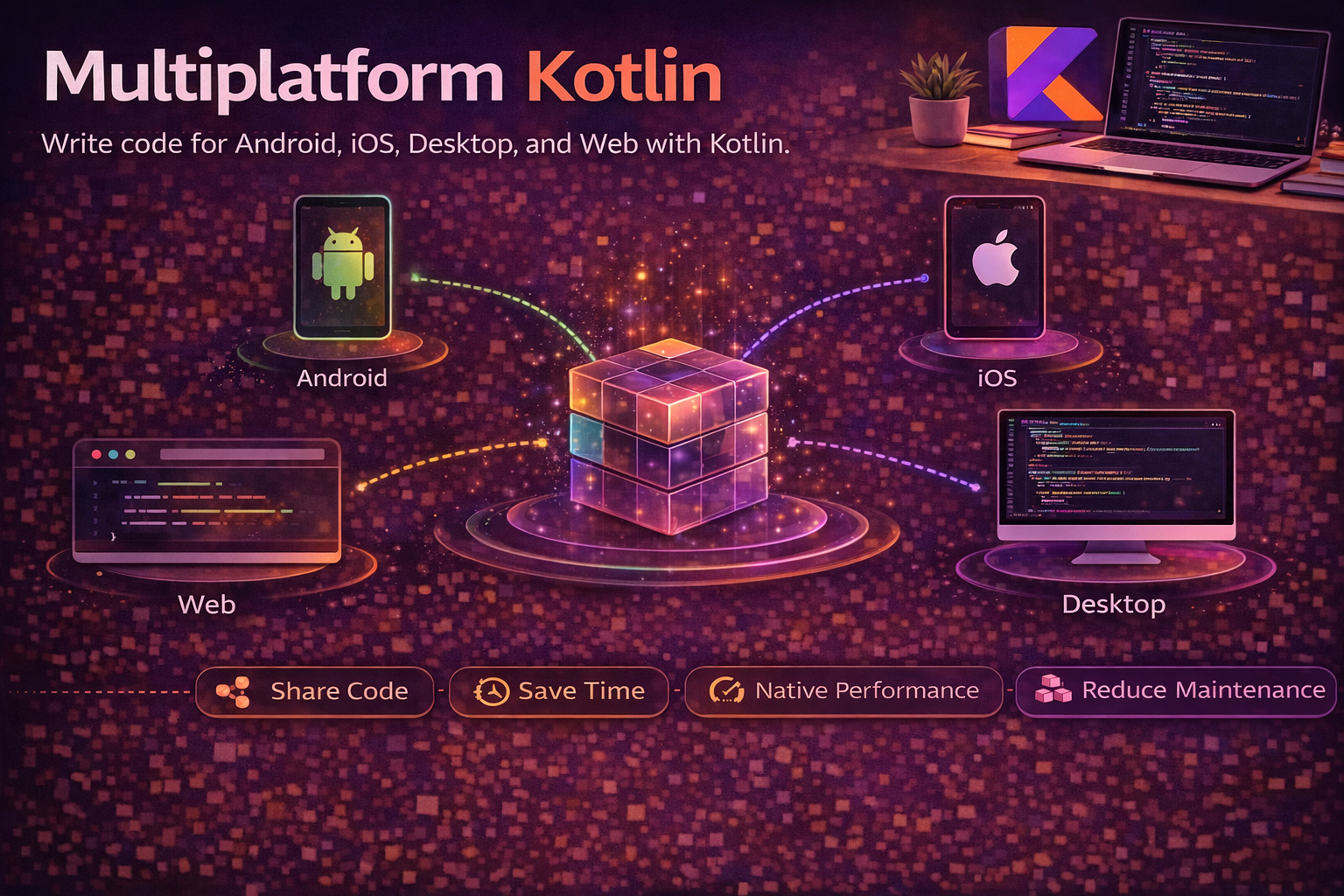
Kotlin is not just for Android. It runs in multiple environments:
| Platform | What You Can Build |
|---|---|
| Android | Mobile apps (primary use case) |
| JVM / Backend | Server-side apps with Ktor or Spring |
| JavaScript | Web frontend with Kotlin/JS |
| Native | iOS, macOS, Linux, Windows apps |
| Multiplatform | Share code across Android + iOS + Web |
This makes Kotlin a very valuable skill — learning it for Android opens doors to other platforms too.
Is Kotlin Hard to Learn?
No — especially if you have any programming background. Here's why:
- If you know Java, Kotlin feels like a cleaner version of it
- If you know any C-style language (C#, Swift, JavaScript), the syntax will feel familiar
- If you're a complete beginner, Kotlin is actually easier to start with than Java because there's less boilerplate to understand
Most developers who switch to Kotlin from Java say they feel productive within 1–2 weeks.
Summary
- Kotlin is a modern programming language created by JetBrains, released in 2016
- Google made it the official and preferred language for Android in 2017–2019
- It compiles to Java bytecode and is 100% interoperable with Java
- Key advantages: null safety, concise code, coroutines, extension functions, data classes
- Used by over 95% of top Android apps on the Play Store
- Not just for Android — works on JVM, JavaScript, iOS, and Multiplatform
- Easy to learn, especially if you already know Java or any similar language
Learning Kotlin is one of the best investments you can make as an Android developer. Every topic in this series builds on this foundation.
Happy coding!
Comments (0)