
Kotlin Coroutines & Flow in Production — The 10 Anti-Patterns That Ship and How to Fix Them
After 24 posts on this blog, I realized there’s an obvious gap: I’ve written about testing coroutines, about using them in ViewModels and repositories, about Flow in system design — but never a dedicated post on how to actually use coroutines and Flow well in production. The footgun-to-insight ratio is unusually high with coroutines. The API surface is small; the ways to misuse it are many; the bugs are subtle, intermittent, and hard to reproduce.
This post is anti-pattern-driven. Each section opens with real code that ships with a subtle bug — the kind that passes code review, works in happy-path testing, and breaks in production under load or on edge cases. Then the fix, then the mechanism that explains why. Examples come from a shopping app because search, cart, checkout, and order tracking each exercise coroutines differently and cover the full range of production patterns.
Anti-Pattern 1: Swallowing Exceptions in launch
The single most common coroutine bug in production codebases. An exception inside a launch block kills the coroutine silently unless you handle it.
// ❌ Ships in production, works in testing, breaks silently
class CartViewModel : ViewModel() {
    fun addToCart(product: Product) {
        viewModelScope.launch {
            cartRepository.addItem(product)
            // If addItem() throws (network error, serialization bug),
            // the exception propagates to the CoroutineExceptionHandler
            // on viewModelScope. By default, that handler... logs and swallows.
            // The user tapped “Add to Cart”, nothing happened, no error shown.
            // No crash. No toast. Nothing.
        }
    }
}
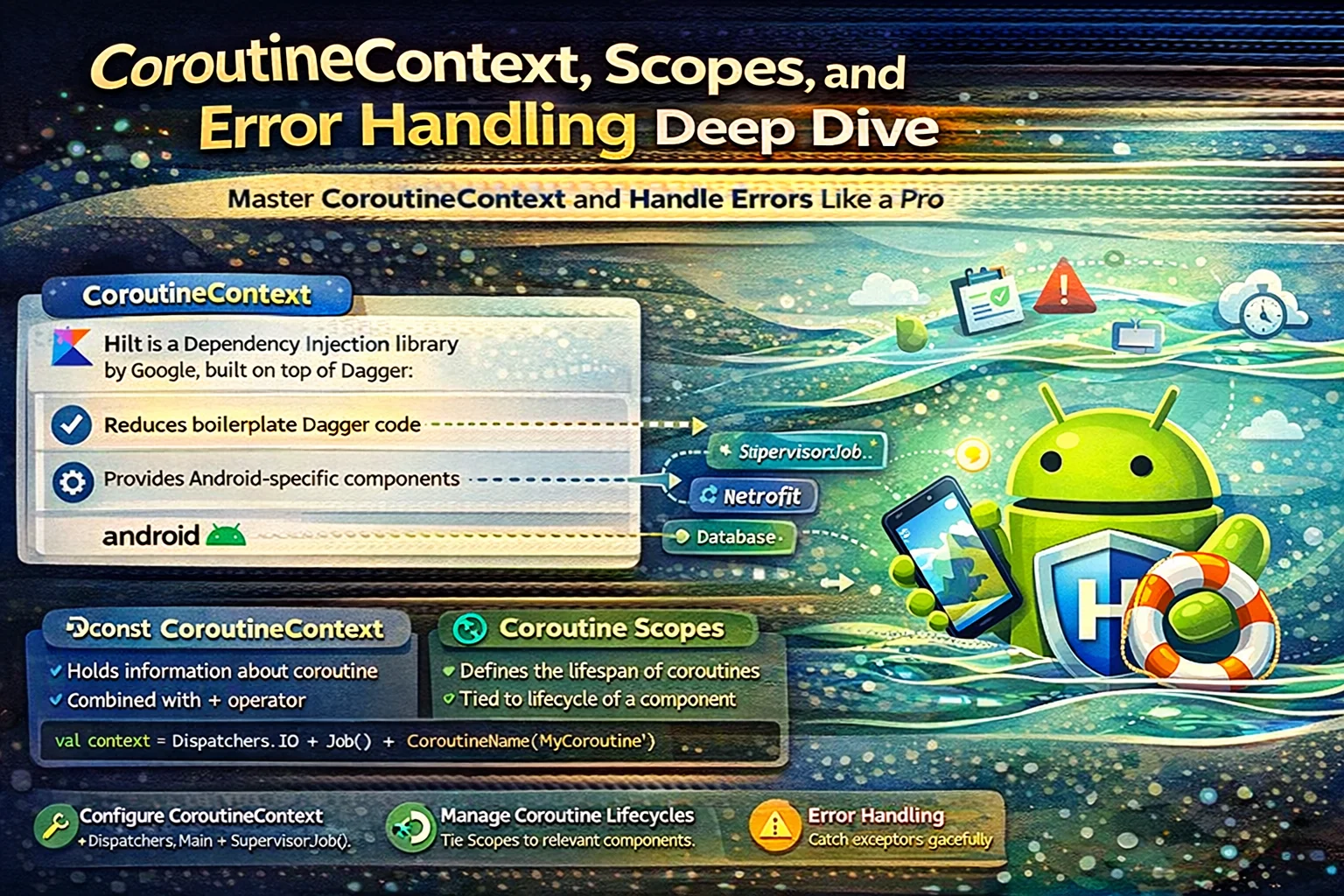
The mechanism: launch propagates exceptions to its parent scope. viewModelScope uses a SupervisorJob + Dispatchers.Main.immediate and a handler that logs the exception but doesn’t crash the app. So your exception is logged in Logcat (which nobody reads in production) and the user sees nothing.
Contrast with async: exceptions are deferred until you call .await(), so you must handle them at the call site. launch has no await — the exception floats up silently.
// ✅ Handle the exception where you can show the user
class CartViewModel : ViewModel() {
    fun addToCart(product: Product) {
        viewModelScope.launch {
            try {
                cartRepository.addItem(product)
                _uiState.update { it.copy(cartUpdated = true) }
            } catch (e: CancellationException) {
                throw e  // NEVER swallow CancellationException — it breaks cancellation
            } catch (e: Exception) {
                _uiState.update { it.copy(error = “Couldn’t add to cart: ${e.message}”) }
                // The user sees something. The bug is visible. You can fix it.
            }
        }
    }
}
The CancellationException re-throw is essential. Catching all exceptions and swallowing CancellationException breaks structured concurrency — the parent scope can’t cancel the coroutine because you caught its cancellation signal. Always re-throw it. This is the one exception you must never handle.
A cleaner pattern for ViewModels that do many launch calls: extract a utility that encapsulates the try-catch-rethrow-cancellation pattern, or use a shared CoroutineExceptionHandler that routes to your error state.
Anti-Pattern 2: Using GlobalScope for Fire-and-Forget
// ❌ Common in analytics, logging, “fire and forget” use cases
fun trackPurchaseEvent(orderId: String) {
    GlobalScope.launch {
        analyticsService.trackEvent(“purchase_completed”, mapOf(“order_id” to orderId))
    }
}
Why this is wrong: GlobalScope is tied to the process lifetime. It’s never cancelled, never supervised, never testable. In a ViewModel test, GlobalScope.launch fires into the void — you can’t wait for it, can’t verify it ran, can’t control its dispatcher.
The fix: inject an application-scoped CoroutineScope that’s supervised and testable.
// ✅ Application-scoped, supervised, testable
@Singleton
class AppCoroutineScope @Inject constructor() {
    val scope = CoroutineScope(
        SupervisorJob() + Dispatchers.Default + CoroutineName(“AppScope”)
    )
    // SupervisorJob: one child failure doesn’t cancel siblings
    // This scope lives for the process lifetime — like GlobalScope,
    // but injectable, testable, and named for debugging.
}

// Usage
class AnalyticsTracker @Inject constructor(
    private val appScope: AppCoroutineScope,
    private val analyticsService: AnalyticsService
) {
    fun trackPurchaseEvent(orderId: String) {
        appScope.scope.launch {
            analyticsService.trackEvent(“purchase_completed”, mapOf(“order_id” to orderId))
        }
    }
}

// In test: inject a TestScope, advance time, verify the event was sent
The broader principle: never use GlobalScope. If you need a scope that outlives a ViewModel, create one with an explicit lifecycle and inject it. viewModelScope for screen-lifetime work, injected app scope for truly fire-and-forget, lifecycleScope for Activity/Fragment-bound work (rare in Compose).
Anti-Pattern 3: Unnecessary withContext(Dispatchers.IO)
// ❌ Looks right, is unnecessary
class SearchViewModel : ViewModel() {
    fun search(query: String) {
        viewModelScope.launch {
            val results = withContext(Dispatchers.IO) {
                searchRepository.search(query)
            }
            _uiState.value = UiState.Results(results)
        }
    }
}
If searchRepository.search() is a properly-implemented suspend function using Retrofit’s suspend support, it already handles its own dispatcher internally. Retrofit’s suspend adapter runs the network call on OkHttp’s dispatcher and resumes on the calling dispatcher. Wrapping it in withContext(Dispatchers.IO) is redundant — you’re switching to IO and then the suspend function switches to its own thing anyway.
When withContext(Dispatchers.IO) IS correct:
- The function does blocking I/O (file reads, legacy synchronous APIs) — it’s not a proper suspend function
- The function does CPU-intensive work (JSON parsing of very large payloads, image processing) that would block the main thread
- You’re calling a Java library that doesn’t know about coroutines
// ✅ Only wrap when you know the function blocks
class SearchRepository @Inject constructor(
    private val api: SearchApi  // Retrofit with suspend functions
) {
    // No withContext needed — Retrofit handles it
    suspend fun search(query: String): List<Product> = api.search(query)

    // withContext IS needed — blocking file I/O
    suspend fun loadCachedResults(): List<Product> = withContext(Dispatchers.IO) {
        val json = File(cacheDir, “search_cache.json”).readText()  // Blocking!
        parser.parse(json)
    }
}
The rule: the caller shouldn’t need to know which dispatcher to use. If a function needs a specific dispatcher, it should switch internally. The caller just calls suspend fun search() without caring. This is “main safety” — every suspend function should be safe to call from the main thread.
Anti-Pattern 4: Collecting Flows in the Wrong Scope
// ❌ Leaks collection when the screen isn’t visible
class OrderTrackingActivity : AppCompatActivity() {
    override fun onCreate(savedInstanceState: Bundle?) {
        super.onCreate(savedInstanceState)

        lifecycleScope.launch {
            viewModel.orderStatus.collect { status ->
                updateStatusUI(status)
            }
        }
        // This collects FOREVER — even when the activity is in the background.
        // The Flow keeps emitting, the UI keeps updating (to a not-visible screen),
        // and you’re wasting battery and possibly crashing on view updates after onStop.
    }
}
The fix is lifecycle-aware collection:
// ✅ Collects only when the lifecycle is at least STARTED
lifecycleScope.launch {
    repeatOnLifecycle(Lifecycle.State.STARTED) {
        viewModel.orderStatus.collect { status ->
            updateStatusUI(status)
        }
    }
}
// When the Activity goes below STARTED (onStop), collection suspends.
// When it returns to STARTED (onStart), collection resumes.
// No wasted work in the background.
In Compose, the equivalent is collectAsStateWithLifecycle():
// ✅ Compose — automatically lifecycle-aware
@Composable
fun OrderTrackingScreen(viewModel: OrderViewModel) {
    val status by viewModel.orderStatus.collectAsStateWithLifecycle()
    // Stops collecting when the composable’s lifecycle owner goes below STARTED
    // Restarts when it comes back
    StatusCard(status)
}
Never use .collectAsState() when .collectAsStateWithLifecycle() is available. The non-lifecycle version keeps collecting in the background — exactly the bug above. The lifecycle-aware version is always what you want for UI state.
Anti-Pattern 5: StateFlow That Loses Events
// ❌ One-shot events via StateFlow
class CheckoutViewModel : ViewModel() {
    private val _events = MutableStateFlow<CheckoutEvent?>(null)
    val events: StateFlow<CheckoutEvent?> = _events

    fun placeOrder() {
        viewModelScope.launch {
            orderRepository.place(currentCart)
            _events.value = CheckoutEvent.OrderPlaced  // Show success snackbar
        }
    }
}

// In the UI:
val event by viewModel.events.collectAsStateWithLifecycle()
LaunchedEffect(event) {
    event?.let {
        snackbarHostState.showSnackbar(“Order placed!”)
        // ❌ On rotation, StateFlow replays its current value.
        // The snackbar shows AGAIN. And again. And again.
    }
}
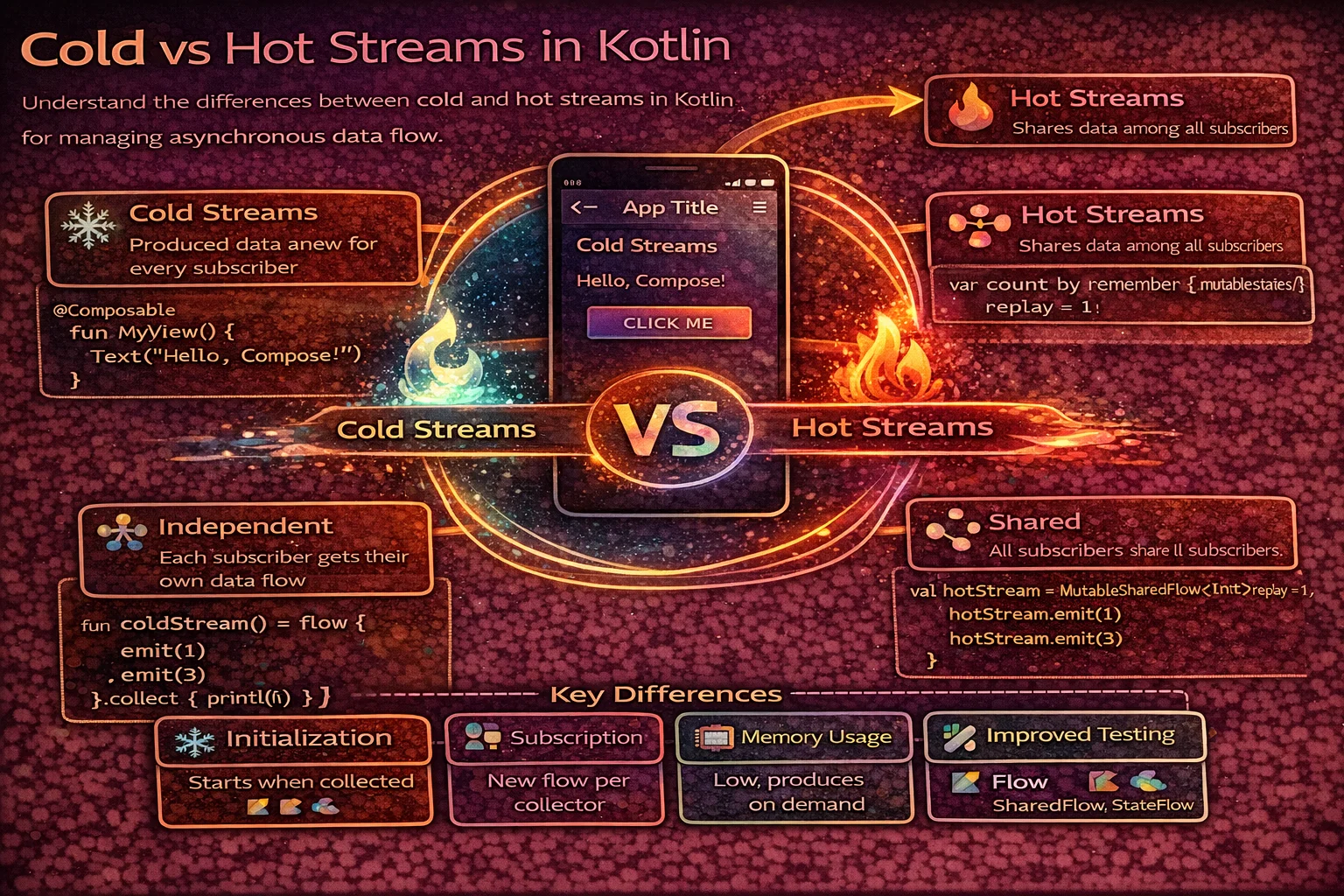
The mechanism: StateFlow always has a current value and replays it to new collectors. Good for state (“what’s true now”). Bad for events (“something happened once”). Rotation creates a new collector that sees the current value and fires the effect again.
Two good fixes:
// ✅ Fix 1: Channel for one-shot events (consumed exactly once)
class CheckoutViewModel : ViewModel() {
    private val _events = Channel<CheckoutEvent>(Channel.BUFFERED)
    val events = _events.receiveAsFlow()

    fun placeOrder() {
        viewModelScope.launch {
            orderRepository.place(currentCart)
            _events.send(CheckoutEvent.OrderPlaced)
            // Each event is received by exactly one collector, once.
            // Rotation: new collector doesn’t re-receive old events.
        }
    }
}

// ✅ Fix 2: State with a consumed flag (easier to test, more verbose)
data class UiState(
    val orderPlacedEvent: Boolean = false
)

// After handling:
viewModel.onOrderPlacedShown()  // Resets the flag to false
The Channel approach is cleaner for fire-and-forget events (navigation, snackbars, toasts). The consumed-flag approach is more testable (you can assert state without timing concerns) but requires manual reset. Both are strictly better than StateFlow for events.
Anti-Pattern 6: Sequential When Parallel Would Work
// ❌ Sequential fetches that could be parallel
class ProductDetailViewModel : ViewModel() {
    fun loadProduct(id: String) {
        viewModelScope.launch {
            val product = productRepo.getProduct(id)         // 300ms
            val reviews = reviewRepo.getReviews(id)          // 400ms
            val recommendations = recsRepo.getRelated(id)    // 250ms
            // Total: 950ms sequential. User stares at a spinner for almost a second.

            _uiState.value = UiState.Loaded(product, reviews, recommendations)
        }
    }
}
These three calls are independent — none needs the result of the others. Run them in parallel:
// ✅ Parallel fetches with structured error handling
class ProductDetailViewModel : ViewModel() {
    fun loadProduct(id: String) {
        viewModelScope.launch {
            try {
                coroutineScope {
                    val productDeferred = async { productRepo.getProduct(id) }
                    val reviewsDeferred = async { reviewRepo.getReviews(id) }
                    val recsDeferred = async { recsRepo.getRelated(id) }

                    val product = productDeferred.await()
                    val reviews = reviewsDeferred.await()
                    val recs = recsDeferred.await()

                    _uiState.value = UiState.Loaded(product, reviews, recs)
                }
                // Total: max(300, 400, 250) = 400ms. More than 2x faster.
            } catch (e: CancellationException) { throw e }
            catch (e: Exception) {
                _uiState.value = UiState.Error(e.message)
            }
        }
    }
}
The coroutineScope { } wrapper is important: if any async fails, it cancels the others and throws. Without it, a failed async produces a deferred that throws on .await() but doesn’t cancel siblings — you get partial results and a confusing error.
When NOT to parallelize: when calls have dependencies (getProduct then getPrice(product.sku)). When the second call is conditional on the first result. When you need to respect rate limits on an API. Parallel is for independent work, which is the majority of “load this screen’s data” cases.
Anti-Pattern 7: flatMapLatest Without Understanding Cancellation
// Search-as-you-type with debounce + flatMapLatest
val searchResults = searchQuery
    .debounce(300)
    .flatMapLatest { query ->
        searchRepository.search(query)
        // ✅ flatMapLatest cancels the previous search when a new query arrives.
        // If the user types “shoes” then “shoes red”, the “shoes” search is cancelled.
    }
    .stateIn(viewModelScope, SharingStarted.WhileSubscribed(5000), emptyList())
This is actually correct — and worth explaining because it’s the canonical search pattern. The anti-pattern is using flatMapConcat or flatMapMerge instead:
// ❌ flatMapConcat: waits for each search to complete before starting the next
// User types fast, results for “s”, “sh”, “sho”, “shoe”, “shoes” queue up
// The UI shows stale results from “s” while the user is looking at “shoes”

// ❌ flatMapMerge: runs all searches simultaneously, results arrive out of order
// The UI may show results for “sh” AFTER results for “shoes”
// if the shorter query returns faster

// ✅ flatMapLatest: cancels the previous, keeps only the latest
// The UI always shows results for the most recent query
The decision tree:
flatMapLatest: the new emission replaces the old. Search, autocomplete, “latest wins.”flatMapConcat: process emissions in order, one at a time. Sequential task processing, ordered event handling.flatMapMerge: process all concurrently. Batch operations where order doesn’t matter.
An important subtlety: flatMapLatest cancels the previous lambda. If your searchRepository.search() does local work (writes a “recent searches” entry to Room) before the network call, the cancellation may happen between the DB write and the network response. The DB write happened, the network didn’t. Make sure cancellation at any point leaves your data consistent.
Anti-Pattern 8: stateIn / shareIn Without Thinking About Restart
// ❌ Misunderstanding SharingStarted.WhileSubscribed
val cartItems = cartRepository.observeItems()
    .stateIn(viewModelScope, SharingStarted.Eagerly, emptyList())
    // Eagerly: starts collecting immediately, never stops.
    // Even when nobody is observing (screen backgrounded), the Flow is active.
    // For a Room query, this means the DB observer is always running.

// Better:
val cartItems = cartRepository.observeItems()
    .stateIn(viewModelScope, SharingStarted.WhileSubscribed(5_000), emptyList())
    // WhileSubscribed: starts when the first collector subscribes, stops 5 seconds
    // after the last collector unsubscribes.
    // The 5-second delay prevents stop-and-restart during config changes
    // (rotation takes ~1-2 seconds; the 5s buffer keeps the flow alive across it).
The 5000ms timeout is a convention, not a magic number. It needs to be long enough that a configuration change (rotation, ~1–2s) doesn’t restart the upstream flow. But short enough that genuinely backgrounding the app stops unnecessary work promptly. 5 seconds is the standard recommendation; adjust if your config changes are slow (multi-activity apps) or fast (single-activity Compose).
SharingStarted.Lazily is the third option: starts on first subscriber, never stops. Good for data that’s expensive to initialize but cheap to keep alive (a one-time loaded configuration).
// Decision tree
Eagerly    → the data is always needed; ViewModel-scoped cache. Rare.
Lazily     → expensive to start, cheap to keep running. Config/feature flags.
WhileSubscribed(5000) → default choice for most UI-bound Flows.
Anti-Pattern 9: Cancellation-Unsafe Code
Coroutine cancellation is cooperative. When a coroutine is cancelled, suspend points throw CancellationException. Code between suspend points runs to completion. This creates bugs when “code between suspend points” includes work that should be rolled back on cancellation.
// ❌ The order is placed even if the coroutine is cancelled between the two calls
suspend fun placeOrder(cart: Cart) {
    val orderId = api.createOrder(cart)       // Suspend point 1 — order created on server
    // <-- Cancellation can happen HERE
    localDb.markOrderPlaced(orderId)          // Suspend point 2 — local state updated
    // If cancelled between the two: server has the order, local DB doesn’t know.
    // The user sees “no order placed” but the server charged them.
}
The fix depends on the situation:
// ✅ Fix 1: Make the operation non-cancellable for the critical section
suspend fun placeOrder(cart: Cart) {
    withContext(NonCancellable) {
        // This block runs to completion even if the parent scope is cancelled.
        // Use sparingly — only for work that MUST complete together.
        val orderId = api.createOrder(cart)
        localDb.markOrderPlaced(orderId)
    }
}

// ✅ Fix 2: Make the operation idempotent so partial completion is safe
suspend fun placeOrder(cart: Cart) {
    val orderId = api.createOrder(cart)  // Server generates idempotent order ID
    try {
        localDb.markOrderPlaced(orderId)
    } catch (e: CancellationException) {
        // Local DB didn’t update, but next app open will sync from server
        // and discover the order exists. No data loss.
        throw e
    }
}
NonCancellable should be rare. It means “even if the user navigated away, finish this work.” For payment processing, yes. For loading a list, absolutely not. Overusing it defeats structured concurrency and creates work that can’t be stopped.
Anti-Pattern 10: Cold Flow Misused as Hot
// ❌ Creating a new Flow on every access
class CartRepository {
    fun observeCartCount(): Flow<Int> = flow {
        while (true) {
            emit(db.cartDao().countItems())
            delay(1000)
        }
    }
    // Every collector creates a NEW polling loop.
    // Two screens observing cart count = two DB queries per second.
}

// ✅ Room DAOs already return hot-ish Flows that share the underlying query
class CartRepository @Inject constructor(private val dao: CartDao) {
    // Room’s Flow is invalidation-driven: emits when the table changes, not on a timer
    fun observeCartCount(): Flow<Int> = dao.observeCartCount()
    // Multiple collectors share the same underlying database observer.
}

// If you genuinely need a polling flow, share it:
class CartRepository @Inject constructor(
    private val dao: CartDao,
    private val appScope: AppCoroutineScope
) {
    val cartCount: StateFlow<Int> = flow {
        while (true) {
            emit(dao.countItems())
            delay(1000)
        }
    }.stateIn(appScope.scope, SharingStarted.WhileSubscribed(5000), 0)
    // One polling loop, shared via StateFlow. Multiple collectors don’t multiply work.
}
The general principle: if multiple consumers need the same data, share the upstream via stateIn or shareIn. Don’t let each consumer trigger its own upstream work. Room’s Flow handles this automatically; custom flows need explicit sharing.
The Mental Model That Prevents These Bugs
After 10 anti-patterns, here’s the mental model that prevents most of them:
1. Every coroutine has a scope, and the scope defines its lifetime. viewModelScope dies when the ViewModel clears. lifecycleScope dies with the Activity. Injected app scope lives for the process. Choose the scope that matches how long the work should live.
2. Cancellation is cooperative and happens at suspend points. Code between suspend points runs to completion. If two operations must complete together, either make them non-cancellable or make them idempotent.
3. StateFlow is for state; Channel is for events. State has a current value and replays it. Events fire once and are consumed. Mixing them up causes the “snackbar shows on rotation” bug.
4. Suspend functions should be main-safe. If a function does blocking work, it should switch to the right dispatcher internally. The caller should never need to wrap it in withContext.
5. Share upstream work, don’t duplicate it. Multiple collectors of the same data should share one Flow via stateIn/shareIn, not each trigger their own.
6. Handle exceptions at the point where you can act on them. launch swallows exceptions by default in viewModelScope. Catch them where you can show the user something useful. Never catch CancellationException.
7. Lifecycle-aware collection is mandatory for UI. collectAsStateWithLifecycle() in Compose, repeatOnLifecycle in Views. Non-lifecycle-aware collection wastes resources in the background and can crash on stale view references.
These seven rules prevent the majority of coroutine bugs in production Android code. They’re not hard to follow once internalized; they’re just easy to forget when writing code quickly.
Closing
Coroutines are unusual in that the API is small and elegant but the production bugs are subtle and varied. The ten anti-patterns in this post represent the most common ones I’ve seen in real codebases — each one has shipped in production apps, each one passed code review, and each one caused real user-facing issues before being caught. The fixes are rarely complex; the challenge is knowing the pattern exists so you recognize it before it ships.
The shopping-app examples were deliberate: search (flatMapLatest), cart (StateFlow sharing), checkout (cancellation safety), order tracking (lifecycle-aware collection), analytics (scoped fire-and-forget). Each domain exercises a different coroutine pattern. Together, they cover the production surface area most Android apps encounter.
If you’ve read the Testing Coroutines post, that covers verifying these patterns work. This post covers writing them correctly in the first place. The two pair: write with these anti-patterns in mind, test with Turbine and runTest, and coroutines go from footgun to superpower.
Happy coding!
Comments (0)
Sign in to leave a comment.
No comments yet. Be the first to share your thoughts.